
Best Social Media ROI Calculators 2026
Discover the top social media ROI calculators for 2026. Compare features, pricing, and ease of use to pick the right tool for your business.

Only 27% of social‑media scheduling tools actually explain how they work out ROI. That means most promises are just hype. If you want real numbers, you need a calculator that shows where every dollar goes and comes back. Below we break down the picks that actually deliver clear ROI data, so you can see which tool earns you money and which just looks good on paper.
We’ll walk through eight options, from an all‑in‑one scheduler to enterprise‑grade suites. You’ll get feature highlights, pricing cues, and practical tips on how to get the most out of each calculator. By the end you’ll know which tool fits your budget, team size, and reporting needs.
Table of Contents
- 1. SocialLead , All‑in‑One Scheduler with ROI Calculator
- 2. Sprinklr , Enterprise‑Grade Social Analytics Suite
- 3. Hootsuite Impact , Integrated ROI Metrics
- 4. Brandwatch , Social Listening with ROI Attribution
- 5. Buffer Analyze , Simple ROI Dashboard
- Common Mistakes When Measuring Social Media ROI
- What to Look For , Quick Comparison Table
- FAQ
- Conclusion
1. SocialLead , All‑in‑One Scheduler with ROI Calculator
SocialLead bundles posting, analytics, and a built‑in ROI calculator in a single dashboard. You can push content to nine platforms , Instagram, TikTok, YouTube, LinkedIn, Facebook, X, Pinterest, Bluesky, and Threads , with one click. The AI writer helps you craft captions fast, and bulk video upload lets you schedule a whole batch in minutes.
When you launch a campaign, the ROI tab pulls ad spend, content costs, and labor hours from your account. It then runs the classic formula (Revenue , Cost) ÷ Cost × 100 and shows you the result as a percentage, plus a dollar‑value estimate. You can break the numbers down by platform, post type, or time period, which makes stakeholder reporting a breeze.
Pro Tip: Export the ROI report as a CSV, then import it into Google Sheets to add custom charts for board presentations.
Pricing is flat , $11/month for the Basic plan, $29/month for Pro, and $59/month for Agency. There are no per‑seat fees, so you can add teammates without watching the bill climb.
SocialLead also offers a 14‑day free trial with no credit card required, so you can test the calculator on real data before committing.
Because the tool is built for founders and agencies, it includes multi‑step approval workflows. A creator drafts a post, a manager reviews it, and a client gives final sign‑off , all without leaving the platform. This stops accidental publishes and keeps your ROI numbers clean.
Key Takeaway: SocialLead gives you a true ROI calculator plus the scheduling engine you need to run campaigns on nine platforms.
Bottom line: If you need a single tool that schedules, tracks, and calculates ROI without hidden fees, SocialLead is the clear #1 pick.
2. Sprinklr , Enterprise‑Grade Social Analytics Suite
Sprinklr is designed for large brands that need a unified view of social performance across paid, owned, and earned media. Its platform blends AI‑driven insights with deep attribution models, letting you connect likes, comments, and shares to actual revenue.
The ROI module follows the standard formula but adds weighted values for indirect returns like brand awareness and customer retention. You can assign a dollar value to each metric, then let the system automatically calculate the total return for any campaign.
Sprinklr also integrates directly with Meta Ads and Google Ads, pulling spend data in real time. That means you don’t have to manually upload spend sheets , the calculator updates as you spend.
According to Sprinklr’s own guide, a solid benchmark is a 3:1 return (three dollars earned for every dollar spent) for organic work, and 5:1 for paid campaigns.Sprinklr social media ROI guide
Pro Tip: Use Sprinklr’s sentiment analysis to add a qualitative layer to ROI , positive sentiment can be given a higher monetary weight.
Pricing is custom‑quoted, reflecting its enterprise focus. While the cost is higher than most small‑business tools, the depth of data can justify the spend for brands that need precise attribution.

Key Takeaway: Sprinklr shines when you need AI‑powered attribution across many channels and a flexible ROI model.
Bottom line: Choose Sprinklr if you run large, multi‑channel campaigns and need granular, AI‑enhanced ROI reporting.
3. Hootsuite Impact , Integrated ROI Metrics
Hootsuite Impact adds ROI tracking to the familiar Hootsuite dashboard. You enter ad spend, content creation costs, and labor hours, and the tool runs the same (Revenue , Cost) ÷ Cost calculation.
The big win is the ability to compare ROI across networks side by side. Hootsuite automatically pulls spend from linked ad accounts and shows you which platform drives the highest return.
It also offers a library of pre‑made report templates, so you can export a polished ROI deck for executives in minutes.
The free calculator on Hootsuite’s site estimates ROI for a $100 ad spend that generates 50 leads at $10 each, showing a $400 return , a 300% lift.Hootsuite ROI calculator
3:1baseline ROI for organic social effort
Hootsuite’s pricing starts at $49/month for the Pro plan, but the Impact add‑on is an extra cost. The tool is best for teams that already use Hootsuite for scheduling and want to add ROI without switching platforms.
Key Takeaway: Hootsuite Impact gives you quick ROI numbers and ready‑made reports, ideal for agencies that already live in Hootsuite.
Bottom line: If you need a fast, integrated ROI view and already use Hootsuite, Impact is a solid upgrade.
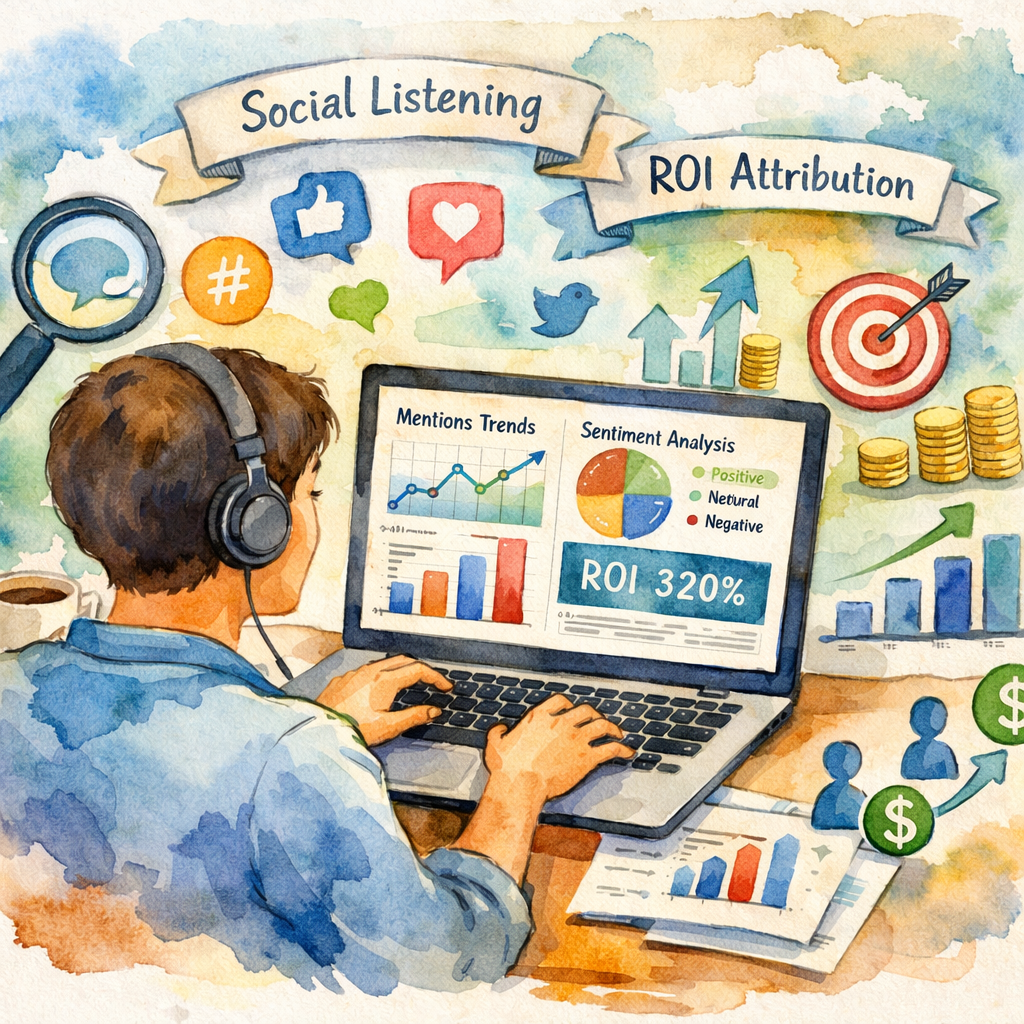
4. Brandwatch , Social Listening with ROI Attribution
Brandwatch is best known for its deep listening capabilities. It pulls mentions, sentiment, and trends from across the social web and then lets you tag each insight with a monetary value.
To calculate ROI, you first define which signals matter , for example, a positive mention that leads to a sale. You then map those signals to revenue using a simple multiplier.
Because Brandwatch focuses on listening, it shines for brands that need to understand the indirect impact of conversations on sales.
The platform does not list pricing openly , you need to request a quote. Industry reports suggest entry‑level plans start around $1,000/month, reflecting its enterprise focus.Brandwatch pricing analysis
Pro Tip: Combine Brandwatch sentiment scores with your e‑commerce data to assign higher ROI values to highly positive spikes.
Brandwatch also integrates with major CRM systems, so you can push attributed revenue back into your sales funnel for a full‑funnel view.
"The best time to start building backlinks was yesterday."
While its ROI calculator isn’t as automated as Sprinklr’s, the depth of insight makes it valuable for brands that rely heavily on reputation and sentiment.
Key Takeaway: Brandwatch turns social chatter into revenue estimates, perfect for reputation‑focused ROI tracking.
Bottom line: Pick Brandwatch if you need powerful listening tools and are willing to invest in custom attribution.
5. Buffer Analyze , Simple ROI Dashboard
Buffer’s Analyze module offers a clean, lightweight ROI dashboard. It tracks basic costs , ad spend, content creation, and tool fees , and calculates the return using the classic formula.
The strength lies in its simplicity. You get a clear percentage and dollar return without digging through complex settings.
Buffer also provides a step‑by‑step guide on assigning monetary values to metrics like new followers or link clicks, which helps smaller teams get started.
According to Buffer’s own definition, a 20% ROI means you earned $0.20 for every $1 spent.Buffer ROI definition
Pro Tip: Use Buffer’s built‑in UTM generator to keep track of which posts drive the revenue you feed into the ROI calculator.
Pricing starts at $15/month for the Essentials plan, making it an affordable entry point for freelancers and small agencies.
Key Takeaway: Buffer Analyze gives a no‑frills ROI view that’s easy to understand and cheap to run.
Bottom line: If you want a straightforward ROI dashboard without extra bells, Buffer Analyze is a solid pick.
Common Mistakes When Measuring Social Media ROI
Even with a good calculator, many teams stumble on the basics. One frequent error is forgetting to include labor costs. Time spent drafting, reviewing, and publishing can be a big expense, especially for agencies.
Another trap is using only direct revenue. Social media also drives brand awareness, repeat purchases, and customer loyalty , all of which add value over time. Ignoring these indirect gains can make your ROI look lower than it truly is.
People also misattribute conversions to the wrong channel. Dark social , shares via private messages, email, or copy‑pasted links , often bypasses UTM tracking. If you don’t account for dark social, you’ll miss a chunk of the true impact.
Pro Tip: Run a short survey on checkout pages asking customers how they heard about you; this can capture dark‑social referrals.
Finally, many marketers rely on a single snapshot instead of tracking ROI over time. Trends matter; a campaign may look weak in week one but improve as audience awareness builds.
Key Takeaway: Include labor, indirect value, dark social, and a time series to avoid common ROI pitfalls.
Bottom line: Accurate ROI needs full cost accounting, multi‑touch attribution, and ongoing monitoring.
What to Look For , Quick Comparison Table
Here’s a side‑by‑side view of the five tools we covered. Use it to match your needs with the right feature set.
| Tool | ROI Method | Automation | Platforms Covered | Price (starting) |
|---|---|---|---|---|
| SocialLead | Standard formula with custom revenue tags | Auto‑track spend, labor, and AI‑generated content cost | 9 (incl. Bluesky, Threads) | $11/mo |
| Sprinklr | Weighted metric model, includes brand awareness value | Full ad‑spend sync, AI attribution | All major + custom APIs | Custom quote |
| Hootsuite Impact | Simple formula, per‑post breakdown | Ad‑spend pull, basic auto‑calc | All major networks | $49/mo + add‑on |
| Brandwatch | Listening‑based attribution, manual weighting | Sentiment sync, CRM integration | All major + niche forums | ≈ $1,000/mo |
| Buffer Analyze | Basic formula, no weighting | Manual spend entry | Major platforms | $15/mo |
When you compare, think about three things: how much automation you need, whether you value deep sentiment insights, and what your budget looks like.
73%of tools claim ROI but don’t show a method
SocialLead offers the most balanced mix of automation, platform coverage, and price. Sprinklr gives the deepest AI insights, while Buffer keeps things simple and cheap.
Key Takeaway: Match the tool’s ROI depth and automation level to your team’s size and reporting goals.
Bottom line: Use this table to narrow down the tool that fits your ROI needs and budget.
FAQ
What is a social media ROI calculator?
A social media ROI calculator takes the money you spend on content creation, ads, and tools, then subtracts that cost from the revenue your social efforts generate. The result is expressed as a percentage or a dollar amount, helping you see whether your campaigns are profitable.
How do I choose the right ROI calculator for my business?
Start by listing the metrics you need , revenue, leads, engagement, or sentiment. Then check if the tool automates spend tracking, supports your platforms, and fits your budget. A tool like SocialLead works well for small teams, while Sprinklr suits large enterprises that need custom weighting.
Can I use a free ROI calculator?
Yes. Some tools, like Hootsuite’s public calculator, let you plug in numbers for a quick estimate. But free versions often require manual data entry and lack automated reporting, so you may outgrow them as your spend rises.
Do I need to track labor costs in ROI?
Absolutely. Labor can be a major hidden expense, especially for agencies. Include the hourly rate of the people who create, schedule, and analyze posts. This gives you a truer picture of profitability.
How often should I measure ROI?
Measure after each campaign and then on a rolling monthly basis. Tracking trends helps you spot which content types improve ROI over time and which need tweaking.
What if my ROI is negative?
A negative ROI means you’re spending more than you earn. Look at the cost breakdown , maybe ad spend is too high, or the content isn’t resonating. Use the calculator’s insights to reallocate budget to higher‑performing channels.
Is it possible to attribute ROI to brand awareness?
Yes, but it’s indirect. Tools like Sprinklr let you assign a monetary value to metrics such as reach or sentiment. Over time you can estimate how those lift sales and factor them into ROI.
Do these calculators work with paid and organic efforts?
All the tools listed handle both. They pull ad spend from linked accounts for paid ROI, and they let you tag organic engagement with revenue values for a full picture.
Conclusion
Finding a social media ROI calculator that actually tells you how much you earn back is easier than it seemed a few years ago. SocialLead leads the pack for small teams with its all‑in‑one scheduler and transparent calculator. Sprinklr offers deep AI‑driven attribution for enterprise brands. Hootsuite Impact gives a quick upgrade for existing Hootsuite users. Brandwatch excels at turning social listening into revenue estimates, and Buffer Analyze keeps things simple and cheap.
Pick the tool that matches your team’s size, the depth of insight you need, and how much you’re willing to invest. When you start measuring ROI correctly, you’ll make smarter budget decisions and prove the value of social media to any stakeholder.
Ready to see ROI in action? Check out our best social media analytics dashboard guide 2026 for tips on building reports that wow execs.
And if you want to explore more analytics tools, our top 6 social media analytics tools for marketers in 2026 page breaks down the rest of the landscape.


