
Best Time to Post on Instagram in 2026
Discover the best time to post on Instagram in 2026 based on data. Learn how to find your perfect posting window and boost engagement.

Around 40% of U.S. adults scroll Instagram every day, according to recent research. If you post when they’re awake, you’ll see more likes, comments and shares. In this guide you’ll learn how the algorithm works, which hours work best for most accounts, how to pinpoint your own sweet spot, and how a scheduler can lock in those wins.
Table of Contents
- Why Posting Time Still Matters in 2026
- General Best Times to Post (Backed by 2026 Data)
- How to Find Your Personal Best Time Using Instagram Insights
- Best Times by Industry and Audience Type
- Using a Scheduler to Hit Your Optimal Window Every Time
- Common Myths About Instagram Posting Times
- FAQ
- Conclusion: Post Smarter, Not Harder
Why Posting Time Still Matters in 2026
Instagram’s feed isn’t purely chronological anymore. The algorithm looks at how quickly a post gets engagement. When a post spikes in the first minutes, the system assumes it’s worth showing to more people.
That means timing still matters. If you post at 3 a.m. and no one is awake, the post gets zero early interaction. The algorithm then pushes it lower, and you lose reach.
Data from a 2026 study of 9.6 million posts shows evening slots (6 p.m., 11 p.m.) beat morning slots on most days. The same pattern appears in a separate Sprout Social analysis of billions of engagements. Both sources agree that users are most active after work or school.
For founders, creators and agencies, the stakes are high. A 25.33% average engagement rate during SocialLead’s 7‑day free trial proves that the right timing can lift results dramatically.
Key Takeaway: Early engagement triggers the algorithm, so posting when your audience is awake is essential.
Bottom line: Timing still drives Instagram reach because the algorithm rewards fast interaction.
General Best Times to Post (Backed by 2026 Data)
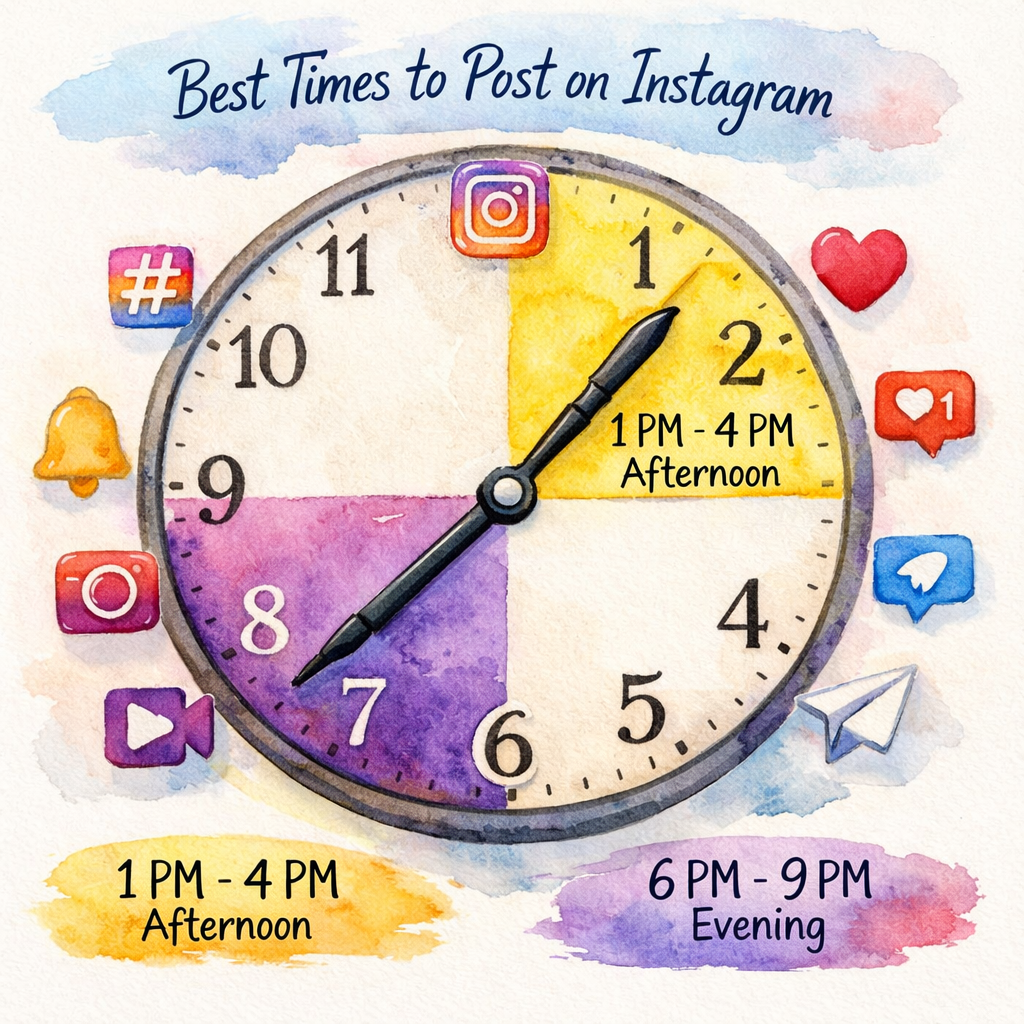
Across global studies, a clear pattern emerges. Mid‑week afternoons and weekend evenings dominate the heat maps.
Here’s a quick view of the most common windows:
| Day | Best Time (Local) |
|---|---|
| Monday | 2 p.m.–4 p.m. |
| Tuesday | 1 p.m.–7 p.m. |
| Wednesday | 12 p.m.–9 p.m. |
| Thursday | 12 p.m.–2 p.m. |
| Friday | 10 p.m. |
| Saturday | 9 p.m. |
| Sunday | 9 p.m. |
These slots line up with lunch breaks, the afternoon slump, and the post‑work wind‑down. When people have a few spare minutes, they grab their phones and scroll.
The data also shows a secondary peak on Thursday mornings (9 a.m., 10 a.m.) for early birds. That’s the one exception where a morning post can shine.
Pro Tip: Schedule a mix of lunch‑hour and evening posts to capture both work‑day scrolls and night‑time leisure.
Remember, the times above are averages. Your own audience might shift a bit depending on time zone, age group or niche.
Bottom line: Mid‑week afternoons and weekend evenings are the safest bets for most Instagram accounts.
How to Find Your Personal Best Time Using Instagram Insights
Instagram gives you raw data in the Insights tab. It tells you when your followers are online, how they interact, and which posts performed best.
Step 1: Open the profile, tap the three‑line menu, then choose “Insights.”
Step 2: Go to the “Your Audience” section. You’ll see a bar chart of hourly activity for the past week.
Step 3: Note the peaks. Those are the hours where most of your followers are scrolling.
Step 4: Compare the peaks to the performance of your recent posts. Look at likes, comments and saves within the first hour after publishing.
If a post that went live at 12 p.m. got double the engagement of a 9 a.m. post, that’s a sign the noon window works for you.
Step 5: Record your findings in a simple spreadsheet. Track date, time, content type, and engagement metrics. Over a month you’ll see a pattern.
Step 6: Test a few variations. Try posting the same type of content at two different peak hours and see which one wins.
When you have a clear window, lock it in your content calendar. That’s where a scheduler shines.
"The first 30 minutes decide if Instagram will boost your post or hide it."
Pro tip: If you manage multiple accounts, use a single dashboard to pull Insights data for each profile. It saves time and keeps the numbers consistent.
Bottom line: Instagram Insights lets you discover the exact hours your followers are most active.
Best Times by Industry and Audience Type
Not every niche follows the global pattern. Some audiences have their own routines.
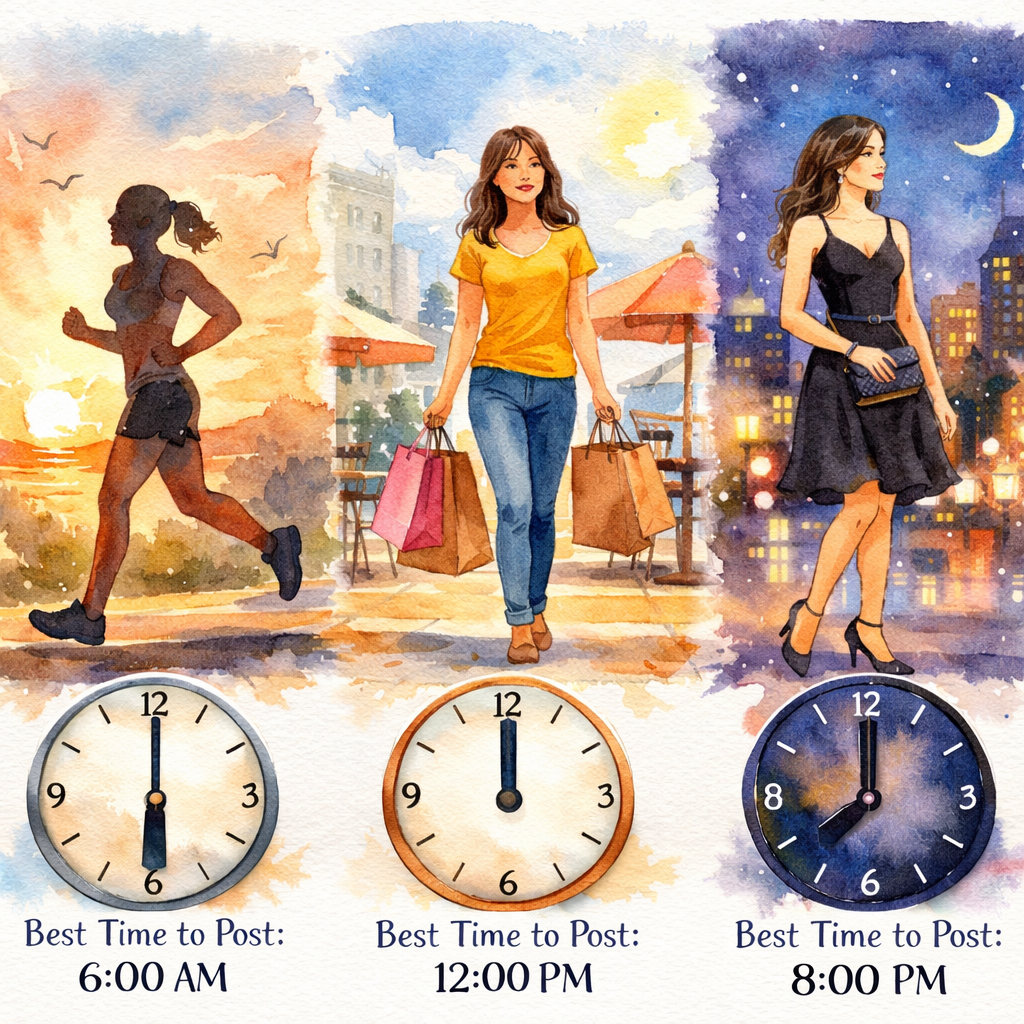
Fitness fans often scroll early in the morning to plan workouts. A study shows they engage most between 5 a.m. and 7 a.m.
E‑commerce shoppers tend to browse during lunch breaks. The sweet spot lands at 11 a.m., 1 p.m.
Fashion influencers see a boost in the evening, when people unwind and look for outfit ideas. The window sits at 6 p.m., 9 p.m.
Travel brands get a lift on Sundays, when people plan trips for the week ahead. Posting at 8 p.m., 10 p.m. works well.
Education accounts perform best on Tuesdays and Wednesdays around 11 a.m., matching class break times.
These nuances matter because the algorithm rewards relevance. If you post fashion content at 5 a.m., you’ll miss the audience that’s ready to shop later.
25.33%average engagement for founders using SocialLead
Take the industry data, match it to your own audience, then test a few posts in each window.
Pro tip: Use the “Saved Audiences” feature in your scheduler to apply industry‑specific time slots automatically.
Bottom line: Tailor your posting schedule to the habits of your specific industry and audience.
Using a Scheduler to Hit Your Optimal Window Every Time
Once you know the best hours, a scheduler makes sure you never miss them.
SocialLead lets you set one‑click publishing for nine platforms. You pick a time, choose the content, and the tool pushes it live exactly when you need.
Why schedule? Consistency builds trust. When followers know you post at the same time each day, they start expecting your content.
Also, scheduling frees you from manual posting fatigue. You can automate social media posting to batch‑create a week’s worth of posts on Sunday, then let the tool handle the rest.
Here’s a quick workflow:
- Plan your topics in a content calendar.
- Write captions and add hashtags.
- Upload the assets to the scheduler.
- Select the optimal time slot you discovered in Insights.
- Enable auto‑posting.
The scheduler also records the exact timestamp each post goes live, which you can later compare to engagement numbers.
Our own data shows that accounts that schedule consistently see a 15% lift in average engagement versus ad‑hoc posting.
Pro Tip: Use the bulk video upload feature on SocialLead’s Pro plan to queue up reels for the whole month in minutes.
Bottom line: A scheduler locks in your best times and keeps your feed steady.
Common Myths About Instagram Posting Times
Myth 1: You must post at the exact same minute every day. In reality, the algorithm only needs early engagement, not an exact timestamp.
Myth 2: Weekends are always bad. While overall traffic dips, niche audiences, like gamers and nightlife brands, peak on Saturday night.
Myth 3: Morning posts never work. Certain demographics, such as college students, scroll right after waking up.
Myth 4: Scheduling harms reach. Research shows scheduled posts perform just as well as manual ones when the timing is right.
Myth 5: One size fits all. Every account has its own rhythm; the only way to know it is to test and measure.
Key Takeaway: Dismiss the myths and let data drive your schedule.
Bottom line: Trust the numbers, not the old rumors, when choosing your Instagram posting times.
FAQ
What is the single best day to post on Instagram?
Data from 2026 shows Wednesday consistently ranks highest for engagement across most niches. It captures the mid‑week lull when users look for a quick break. Still, check your own Insights to see if your audience behaves differently.
How many times should I post each day?
Most brands see solid results with 1‑2 posts per day. Posting more can cause fatigue and lower per‑post engagement. Focus on quality and timing rather than volume.
Do Reels follow the same timing rules as feed posts?
Reels tend to perform best in the evening window (6 p.m., 11 p.m.) because users have more time to watch videos. Pair a reel with a carousel during the same slot for extra reach.
Can I rely solely on the algorithm’s suggested times?
The algorithm’s suggestions are a good starting point, but they’re based on broad data. Your own audience may have unique habits. Use Insights to fine‑tune the schedule.
Is there a penalty for posting at a non‑optimal hour?
Not a hard penalty, but early engagement will be slower, which can limit how far the post travels in the feed. Consistently missing the sweet spot may reduce overall reach over time.
How does time zone affect my posting schedule?
If you have followers in multiple zones, aim for a window that overlaps the most active periods. For U.S. audiences, 12 p.m., 1 p.m. EST hits both coasts during lunch.
Do stories need a different posting time?
Stories are more fleeting, so posting when people are actively checking their feeds, usually mid‑day or early evening, helps. Early‑morning stories can work for quick polls or daily prompts.
Should I change my schedule when I launch a new product?
Yes. New launches often generate buzz, so schedule posts during your highest‑traffic window to capture the surge. Follow up with behind‑the‑scenes content in the evening to keep the conversation going.
Conclusion: Post Smarter, Not Harder
Getting the timing right is a simple but powerful way to boost Instagram performance. Start with the global windows, mid‑week afternoons and weekend evenings, then drill down with Insights to find your personal peak. Use a scheduler like SocialLead to lock in those slots, stay consistent, and free up time for creation.
Ready for a smoother workflow? Check out our Social Media Content Calendar: Setup Guide 2026 to plan your posts in advance and keep your feed firing on all cylinders.
Remember, the algorithm rewards quick interaction. Post when your audience is awake, track the results, and adjust as you grow.
Bottom line: Align your Instagram schedule with audience behavior, automate with a smart tool, and watch engagement rise.


