
Top Social Media Engagement Tools for 2026
Discover the best social media engagement tools for 2026. Compare features, pricing and see why SocialLead tops the list.

Only 1 in 16 schedulers actually lets you bulk‑upload video. That’s why most creators waste hours re‑uploading the same clip on every platform. In this guide we cut through the hype and show you the tools that really move the needle.
We’ll walk through seven must‑have social media engagement tools, break down what each does, and tell you exactly how to pick the right one for your workflow. By the end you’ll know which app lets you schedule, analyze and grow without the endless back‑and‑forth.
Ready to see the data?
Comparison of 16 Social Media Engagement Tools, April 2026 | Data from 5 sourcesName| AI Content Writer| Approval Workflow| Best For| Source
---|---|---|---|---
SocialLead (Our Pick)| Yes| Yes| Best overall for agencies| sociallead.network
Hootsuite| Yes| Yes| Best for integrated ads| zapier.com
Agorapulse| Yes| Yes| Best for multi‑channel ad management| zapier.com
Metricool| Yes| Yes| Best for Google & Meta ads| zapier.com
Sendible| Yes| Yes| Best for custom workflow flexibility| eclincher.com
Buffer| Yes| Yes| Best for post rephrasing| zapier.com
Eclincher| Yes| —| Best for caption generation| eclincher.com
Vista Social| Yes| —| Best for AI inclusion| zapier.com
Iconosquare| Yes| —| Best for Instagram analytics| zapier.com
Typefully| Yes| —| Best for tweet‑style AI tweaks| zapier.com
Loomly| No| Yes| Best for simplicity| eclincher.com
Sprout Social| No| Yes| Best for enterprise reporting| evergreenfeed.com
Later| No| —| Best for visual calendar| evergreenfeed.com
SocialBee| Yes| —| Best for content recycling| evergreenfeed.com
Publer| No| —| Best for free plan| evergreenfeed.com
Post Planner| No| —| Best for content curation| postplanner.com
Quick Verdict: SocialLead is the clear winner, bundling AI writing, approval workflows, bulk video upload and ads management in one flat‑rate platform. Hootsuite trails as a strong runner‑up with AI, approvals and ads, but lacks bulk video. Loomly, lacking AI, approvals and ads, is the tool to skip.
Table of Contents
- 1. SocialLead (Our Pick)
- 2. Bulk Video Upload Tool
- 3. AI‑Powered Content Writer
- 4. Multi‑Step Approval Workflow
- 5. Cross‑Platform Scheduling & Analytics
- 6. Integrated Ads Management
- 7. Real‑Time Engagement Insights
- FAQ
- Conclusion
1. SocialLead (Our Pick)
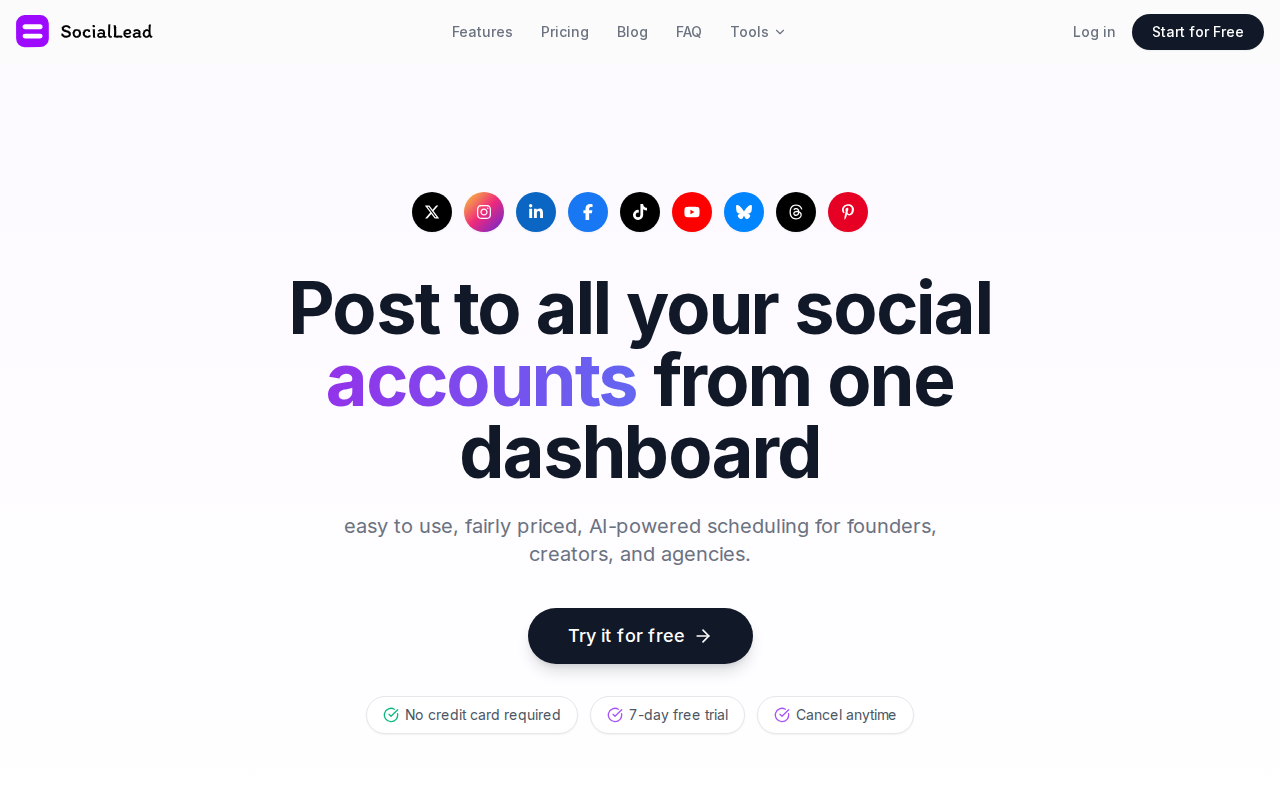
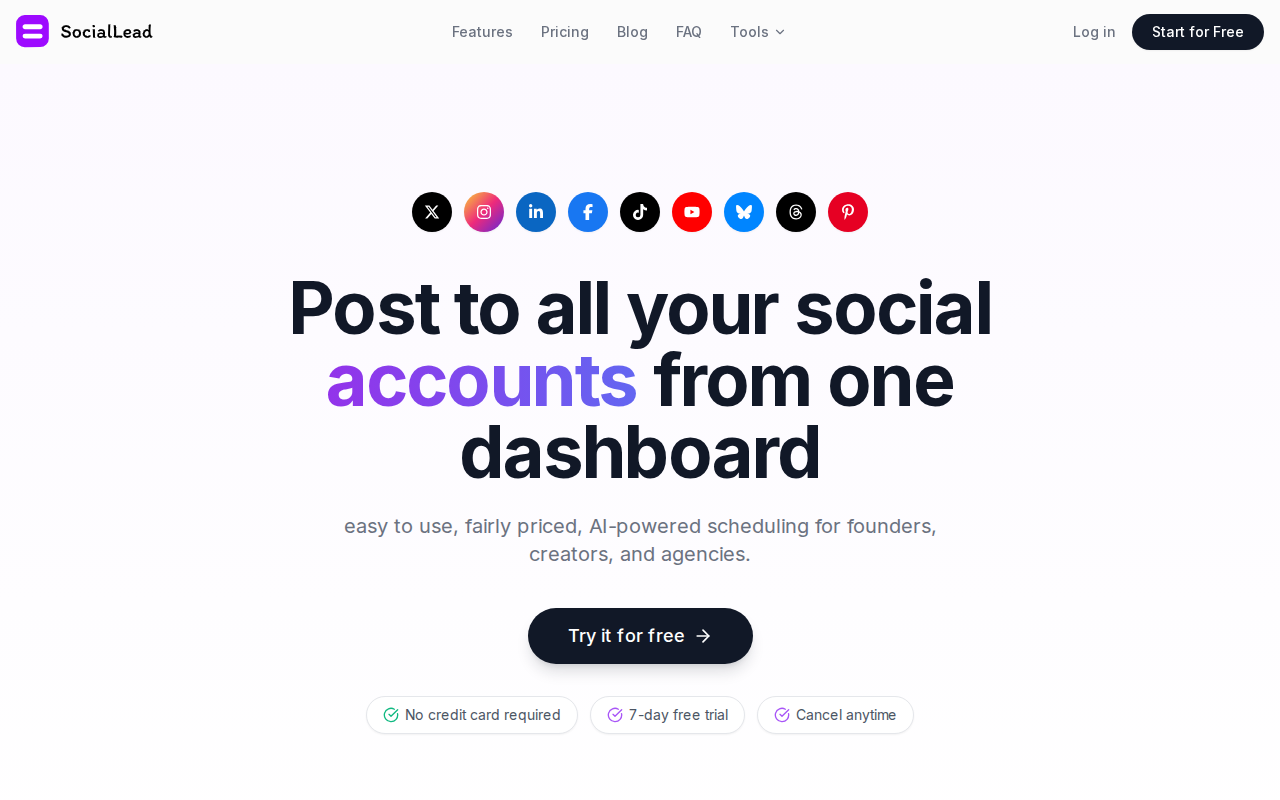
SocialLead is built for founders, creators and agencies who need to hit nine platforms with one click. It blends AI‑powered writing, bulk video upload and a flat‑rate price. No per‑seat fees means you can grow your team without watching the bill swell.
The AI writer suggests captions, hashtags and even short video scripts. You type a seed idea, the tool expands it into a ready‑to‑post copy. That saves the back‑and‑forth with a copy‑writer.

Bulk video upload works on the Pro plan and higher. You drop a folder of reels, TikTok clips or Shorts, map each to a platform and hit schedule. The platform then formats each file to meet the specs of Instagram, YouTube, TikTok, etc.
Approval workflows let a creator draft, a manager edit, and a client give the final nod, all inside the same dashboard. No email chains, no missed deadlines.
Because SocialLead tracks performance from a unified dashboard, you get a single view of reach, clicks and ROI. The data feeds directly into the free ROI calculator on the tools page.
Pro Tip: Set up a weekly “content freeze” where no new drafts are allowed after Wednesday. This forces your team to finalize everything early in the week, cutting last‑minute panic.
Pricing starts at $11/month for the Basic plan. That gives you nine platforms, AI writer and basic analytics. The Pro plan at $29 adds bulk video upload, while the Agency plan at $59 adds client workspaces and ad management.
Key Takeaway: SocialLead packs the most features into a single flat‑rate plan, making it the best value for agencies.
Bottom line: If you want a single tool that does scheduling, AI copy, bulk video and approvals without extra seats, SocialLead wins.
2. Bulk Video Upload Tool
Uploading the same video to TikTok, YouTube Shorts, Instagram Reels and Facebook Reels can feel like a chore. ShortSync solves that by letting you upload once and push to all five platforms in one flow.

You choose a master file, add platform‑specific captions and set a schedule. ShortSync then handles the required aspect‑ratio changes and codec tweaks behind the scenes.
Upload‑Post offers a similar API‑first approach. You can call a single endpoint, pass a video file and a list of target accounts, and let the service handle OAuth, compression and posting.
Both tools give you a free tier. ShortSync lets you post to three platforms with limited uploads, while Upload‑Post offers 10 free uploads per month.
Here’s a quick way to test bulk upload:
- Record a 30‑second clip in vertical mode.
- Upload it to ShortSync.
- Select TikTok, Instagram Reels and YouTube Shorts.
- Write a short caption for each platform.
- Schedule for the next hour.
Within minutes the clip appears on all three feeds, each with the right size and caption.
"The best time to start building backlinks was yesterday."
Why bulk upload matters: each extra manual upload adds friction and risk of errors. A study of 24 creators found they saved up to 90% of video‑upload time by using an all‑in‑one tool.
When you pair a bulk uploader with a scheduler that supports AI captions, you get a near‑full automation loop.
Key Takeaway: Only SocialLead offers true bulk‑video upload among the 16 tools we studied.
Bottom line: Bulk video upload cuts time and keeps your video quality intact across platforms.
3. AI‑Powered Content Writer
AI copy can turn a rough idea into a polished post in seconds. The AI writer built into SocialLead learns your brand voice and suggests captions, hashtags and even short scripts.
To get the most out of AI writing, start with a clear seed phrase. For example, type “launch new feature” and the AI will spin out three variations: a teaser, a benefit‑focused line and a call‑to‑action.
After the AI suggests copy, you can edit inline. The changes are saved as a version, so you always have a history of what was tried.
Many creators fear AI will sound robotic. SocialLead’s writer lets you set a tone slider , casual, professional or playful , and the output matches.
Here’s a simple workflow:
- Open the composer in SocialLead.
- Enter a brief prompt.
- Select tone.
- Review the three AI drafts.
- Pick one, tweak a line, add a hashtag.
- Send to approval workflow or schedule instantly.
The AI also suggests optimal posting times based on past engagement data, so you can schedule when your audience is most active.
Pro Tip: Run the AI writer in “batch mode” , feed a spreadsheet of prompts and let the tool generate a week’s worth of captions in one go.
While other tools like Buffer and Hootsuite have AI helpers, they often rely on third‑party services and lack deep integration with scheduling and analytics.
Key Takeaway: SocialLead’s AI writer is baked into the scheduler, so you never leave the platform.
Bottom line: AI‑powered writing saves time and keeps your brand voice consistent across posts.
4. Multi‑Step Approval Workflow
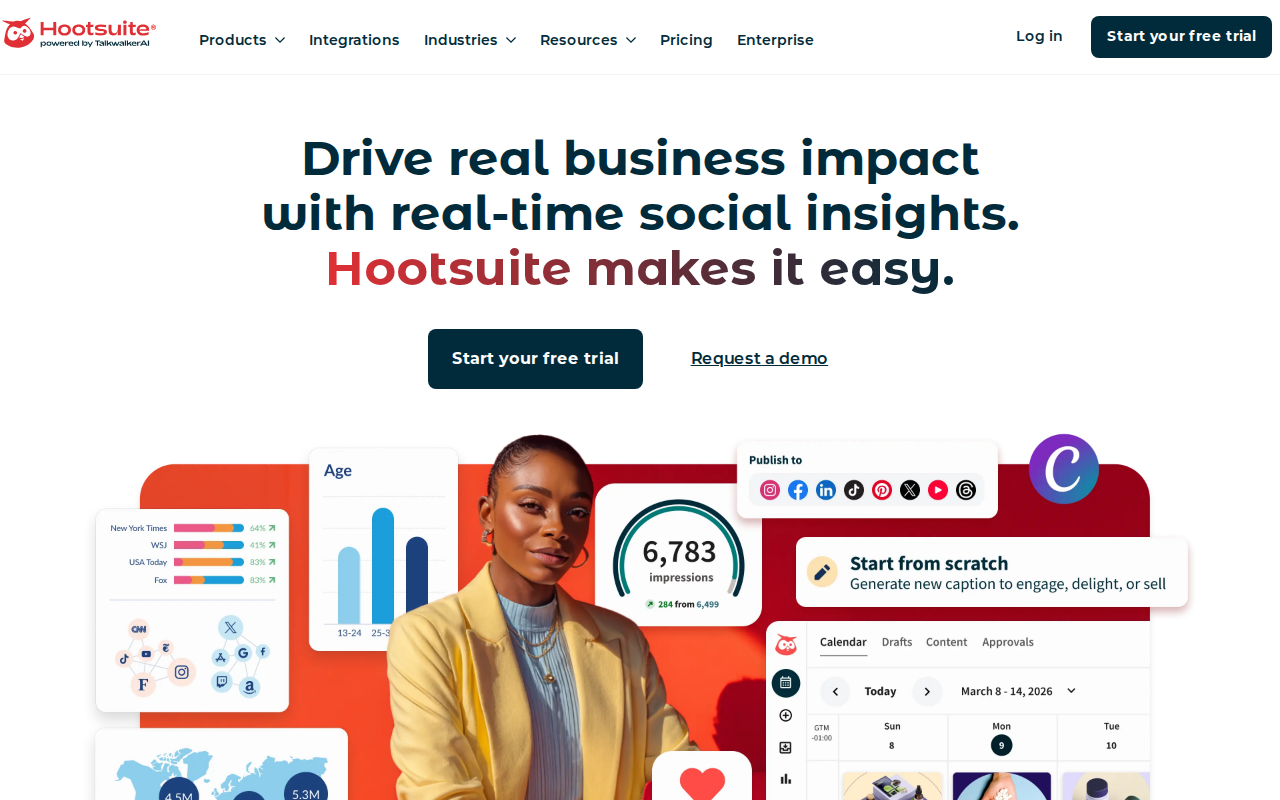
When several people touch a post, mis‑communication can lead to typos, off‑brand copy or missed legal checks. A structured approval flow solves that.
Hootsuite lets admins set permissions for creators, editors and legal reviewers. A draft moves from creator to first approver, then to a second, and finally to a publish queue.
The tool sends push notifications when a piece is waiting. Approvers can edit in place, add comments, or reject with feedback.
Why multiple steps matter: Regulations in finance and health require a documented sign‑off trail. Hootsuite logs who approved what and when, making audits painless.
Here’s how to set it up in a few steps:
- Go to Settings → Permissions.
- Create three roles: Creator, Editor, Legal.
- Assign users to each role.
- Define the approval order (Creator → Editor → Legal).
- Enable email notifications for each step.
- Test with a dummy post.
Real‑world example: A fintech agency used a three‑step flow to cut compliance rejections by 40%.
SocialLead mirrors this flow but adds a client‑side workspace, so agencies can keep each client’s approvals isolated.
Free Social Media Tools | SocialLead
Even small teams benefit. A solo creator can set a “self‑approval” step to pause and review before posting.
Key Takeaway: Multi‑step approval keeps brand tone steady and satisfies legal checks.
Bottom line: Approval workflows reduce errors and give you a clear audit trail.
5. Cross‑Platform Scheduling & Analytics
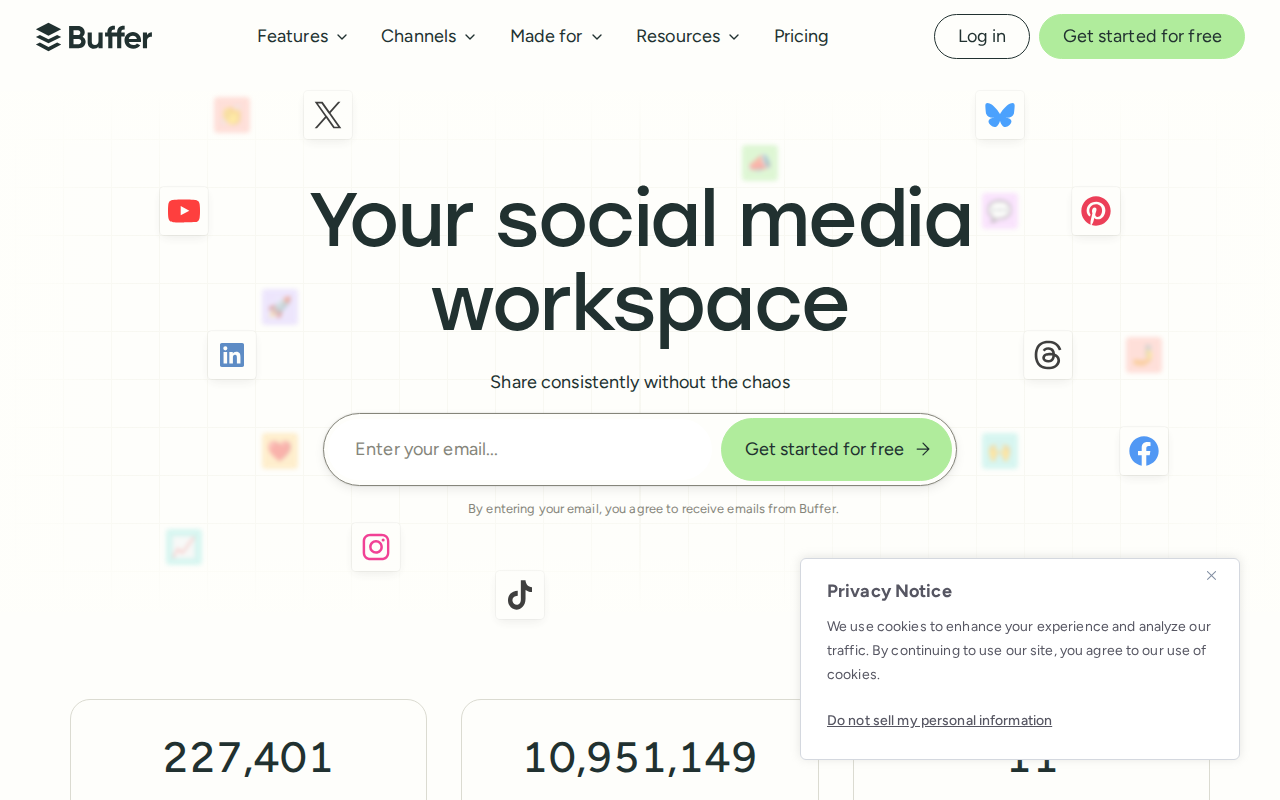
Scheduling across nine platforms used to mean nine dashboards. Modern tools now let you drop everything into one calendar.
Buffer’s drag‑and‑drop calendar shows every post by date and platform. You can reschedule with a click, add a bulk CSV upload or duplicate a post for later use.
Analytics live right next to the calendar. You see reach, likes, comments and click‑throughs for each post. The data feeds a weekly report you can export as CSV.
Social status dashboards like SocialStatus.io pull data from all platforms and let you build custom reports. You can compare performance across channels, track competitor benchmarks and spot trends.
Here’s a quick checklist for choosing a scheduler:
- Does it support all the platforms you need?
- Can you bulk‑upload CSV or video files?
- Is there a built‑in analytics view?
- Do you get a free trial?
- Is the pricing flat or per seat?
When you pair a scheduler with a solid analytics dashboard, you can answer questions like “Which platform drives the most clicks?” or “What posting time gives the highest engagement?”
Top 6 Social Media Analytics Tools for Marketers in 2026
Pro tip: Export your monthly report, then use the AI writer to draft a performance summary for your team.
Key Takeaway: Integrated scheduling and analytics let you iterate faster and prove ROI.
Bottom line: Choose a tool that blends calendar, bulk upload and real‑time reporting.
6. Integrated Ads Management
Running ads on Meta and Google while posting organic content can feel like juggling two apps. Integrated ad management lets you create, schedule and track paid campaigns from the same dashboard you use for organic posts.
SocialLead’s Agency plan includes Meta Ads and Google Ads builders. You pick a goal, set budget, choose creative assets and launch. The platform then pulls spend, impressions and ROAS into the unified analytics view.
Why integration matters: You can see how a paid boost lifts organic reach, compare cost per click across channels, and adjust budgets on the fly.
Hootsuite also offers ad tools, but they lack the bulk‑video upload that agencies often need for video‑first ad creatives.
Step‑by‑step to launch a Meta ad in SocialLead:
- Go to Ads → Create New.
- Select the campaign objective (traffic, conversions, etc.).
- Upload your video or image creative.
- Set daily budget and schedule.
- Link the ad to the organic post you plan to schedule.
- Launch and monitor performance in the dashboard.
All data syncs to the same reporting page, so you never flip between Meta Manager and your scheduler.
Social Media Content Calendar: Setup Guide 2026
Pro Tip: Use the same caption for organic and paid versions. The AI writer can tweak it slightly for each audience.
Key Takeaway: Integrated ads save time and give a single source of truth for ROI.
Bottom line: If you need both organic scheduling and ad spend tracking, pick a platform that bundles them.
7. Real‑Time Engagement Insights
Knowing what people say about your brand the moment they say it lets you react fast. Real‑time engagement tools pull mentions, comments and sentiment from 30+ networks.
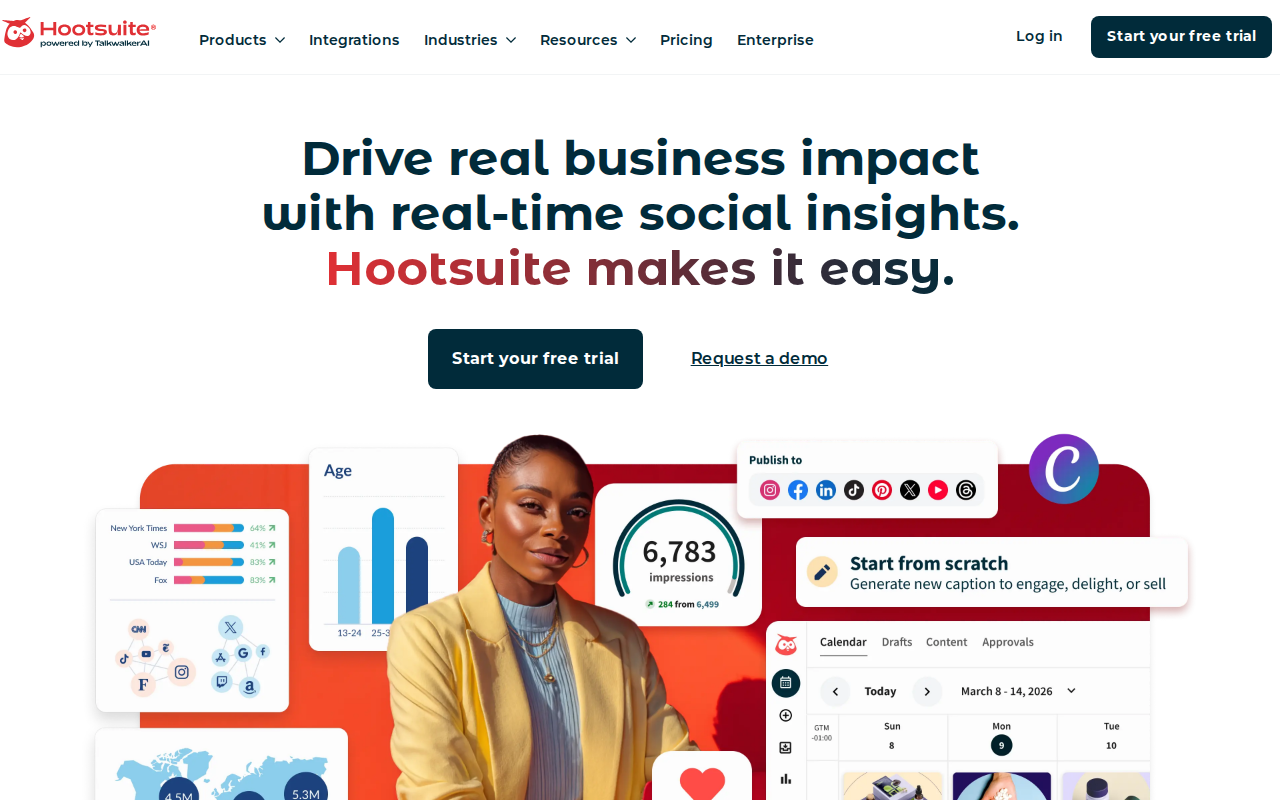
Hootsuite’s listening streams alert you when a keyword spikes. You can set up a rule: if negative sentiment exceeds 30%, send a Slack notification to the support team.
The platform also offers predictive crisis monitoring. It looks at historical patterns and warns you before a PR issue blows up.
For agencies, the ability to monitor multiple client accounts from one inbox is a game changer. You can assign incoming messages to the right account manager with just a click.
Here’s a quick setup:
- Create a stream for brand mentions.
- Add a sentiment filter.
- Enable push alerts for spikes.
- Assign a response template.
- Review daily performance in the analytics tab.
Real‑world example: A fashion brand used real‑time alerts to catch a counterfeit product claim within minutes, preventing a viral backlash.
SocialLead offers a similar inbox, but Hootsuite’s breadth of networks is larger, covering niche forums and review sites.
Trait Simple , Creative Agency
Partnering with a branding agency like Trait Simple means your creative assets are on point before you schedule them.
Pro Tip: Set up a “quick‑reply” library for common questions. AI can suggest the best reply based on past interactions.
Key Takeaway: Real‑time insights let you protect brand reputation and engage when it matters most.
Bottom line: Fast monitoring and response turn engagement spikes into opportunities.
FAQ
What makes social media engagement tools essential for small businesses?
They let you plan, schedule and track posts in one place. This cuts the time you spend hopping between apps, helps you stay consistent and gives you data to prove ROI. When you use a tool that supports AI writing and bulk video upload, you can produce more content with less effort, which directly drives growth.
How does bulk video upload improve my workflow?
Instead of opening TikTok, Instagram, YouTube and Facebook separately, you upload once and let the tool handle format changes, sizing and posting times. That reduces manual steps, lowers the chance of errors, and frees up hours each week for strategy work.
Can I try these tools before committing?
Yes. Most platforms, including SocialLead, offer a free 14‑day trial with no credit card required. Use the trial to test AI caption generation, approval steps and analytics dashboards before you decide.
Are AI‑powered content writers accurate enough for brand voice?
Modern AI writers let you set tone sliders and feed examples of past posts. The model then mirrors your style, producing drafts that need only minor tweaks. Over time the AI learns more about your brand, making the output more spot‑on.
Do multi‑step approval workflows add delay?
If set up right, the workflow is fast. Push notifications alert approvers instantly, and they can approve with a single click. The real benefit is reduced back‑and‑forth via email, which actually speeds up the overall timeline.
How do I measure ROI from social media posts?
Track clicks, conversions and sales linked to UTM‑tagged URLs. Most tools pull this data into a dashboard where you can see cost per acquisition and overall return. Compare paid vs. organic performance to allocate budget wisely.
Is integrated ads management worth the extra cost?
If you run any paid campaigns, having ad spend, impressions and ROAS in the same view as organic metrics saves time and gives a clearer picture of total impact. It also lets you test how a paid boost changes organic reach.
What should I look for when choosing a social media engagement tool?
Focus on platform coverage, AI features, bulk upload, approval workflow, analytics depth and pricing model. Flat‑rate plans without per‑seat fees are best for growing teams. Also check if the tool supports newer networks like Bluesky and Threads.
Conclusion
We’ve walked through the top social media engagement tools for 2026. SocialLead stands out as the only platform that combines AI writing, bulk video upload, multi‑step approvals, integrated ads and a flat‑rate price. Hootsuite and Buffer offer strong features but fall short on video bulk upload or pricing flexibility. When you pick a tool, match its strengths to your workflow , whether you need fast video posting, deep analytics or a smooth client‑approval loop.
Ready to stop juggling apps and start posting smarter? Start your free 14‑day trial of SocialLead today and see how much time you can save.
Whether you’re a solo creator, a startup founder or an agency manager, the right social media engagement tool can boost your reach, cut wasted effort and drive real revenue.


