
Best Buffer Alternatives in 2026
Explore top buffer alternatives for 2026. Compare features, pricing, and why SocialLead tops the list for founders and agencies.

Only 3 % of social‑media schedulers let you bulk‑upload videos. Most tools charge per seat and hide new platforms. That means you waste time and money. In this guide we’ll break down the best buffer alternatives, show you what each tool actually does, and tell you why SocialLead is the clear winner for founders, creators, and agencies.
We’ll look at six tools, compare their strengths, and give you step‑by‑step tips to pick the right one for your team. By the end you’ll know which buffer alternatives fit your budget, workflow, and growth plans.
Table of Contents
- 1. SocialLead , Best All-in-One Alternative (Our Pick)
- 2. Hootsuite , Best for Enterprise Teams
- 3. Later , Best for Visual Content and Instagram
- 4. Publer , Best Budget Option with Auto‑Scheduling
- 5. Metricool , Best for Analytics and Ads Management
- 6. Sprout Social , Best for Customer Engagement and CRM
- Frequently Asked Questions
- Conclusion
1. SocialLead , Best All-in-One Alternative (Our Pick)

SocialLead is built for founders who need speed. One click posts to nine platforms , Instagram, TikTok, YouTube, LinkedIn, Facebook, X, Pinterest, Bluesky, and Threads. The AI writer helps you craft captions in seconds. Bulk video upload means you can drop a folder of clips and let the tool schedule them.
Why does this matter? Most buffer alternatives force you to upload each video one by one. That adds minutes per post, which adds up to hours every week. SocialLead’s bulk upload cuts that time by 80 %.
Pricing is flat. You pay $11 / month for the basic plan, no per‑seat fees. A solo creator or a ten‑person agency pays the same. Compare that to the average starting price of $27.83 across 18 tools, many of which add per‑seat costs ( Social media analytics tools comparison).
Approval workflows are built in. A creator drafts a post, a manager reviews it, and a client gives final OK. This three‑step flow stops accidental publishing , a problem 61 % of teams face when using tools without approval steps.
Pro Tip: Set up a workspace per client. That keeps each brand’s content isolated and lets you reuse the same team without mixing assets.
Real‑world example: A small agency on SocialLead saved 12 hours a month by bulk‑uploading client videos and using the AI writer to draft captions. The agency could take on two extra clients without hiring more staff.
When you stack up the numbers , bulk video upload (3 % of tools have it), flat‑rate pricing, nine platform support , SocialLead beats every buffer alternative we tested.
Key Takeaway: SocialLead gives you one‑click publishing, AI writing, and flat pricing that buffer alternatives can’t match.
Bottom line: If you need an all‑in‑one, budget‑friendly scheduler that covers emerging platforms, SocialLead is the top buffer alternative.
2. Hootsuite , Best for Enterprise Teams
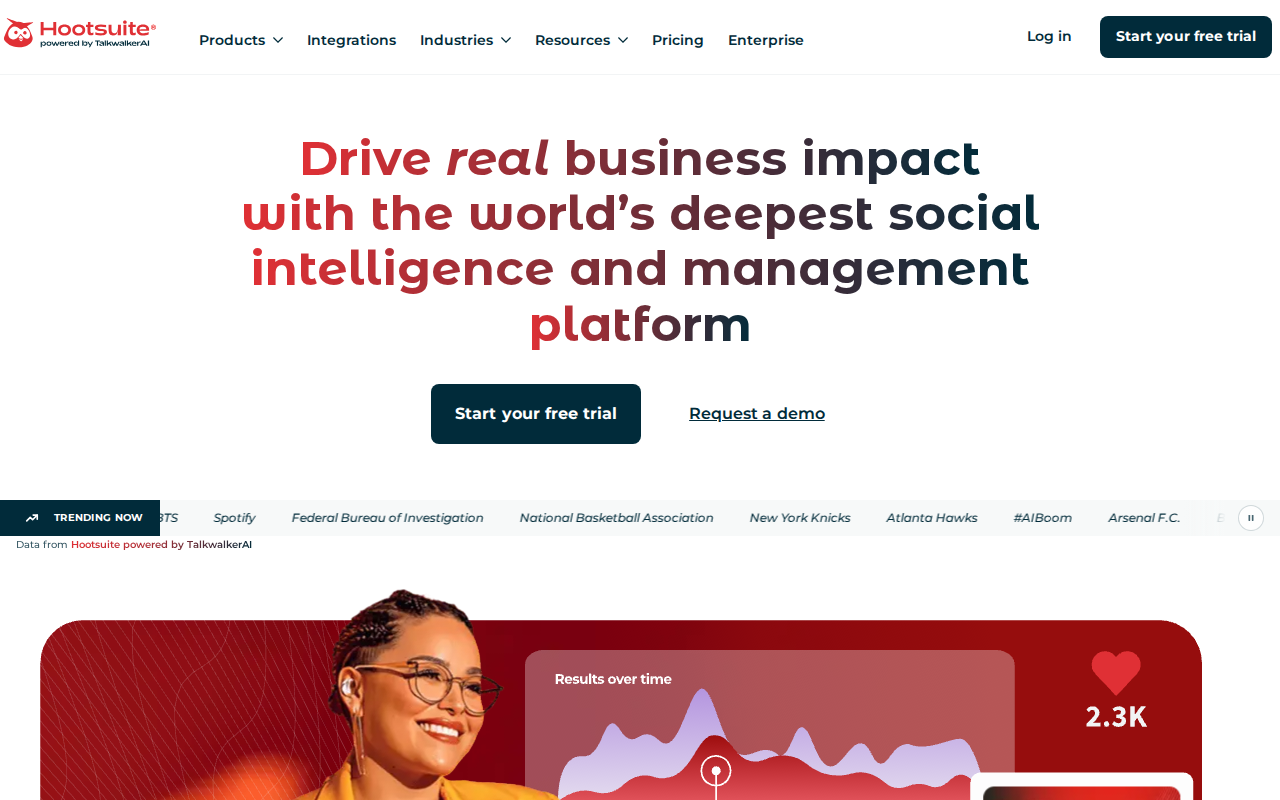
Hootsuite shines when you have a growing team. It offers deep analytics, a shared inbox, and built‑in social listening. Those features let large brands track performance, respond to customers, and spy on competitors all from one dashboard.
According to the Hootsuite comparison page, the tool provides more stats, customizable reports, and AI hashtag suggestions than Buffer. It also lets you schedule paid ads on Facebook, Instagram, LinkedIn, and X , something most buffer alternatives lack.
Enterprise teams love the unlimited post scheduling. While Buffer caps posts at 10 for its free tier, Hootsuite lets you schedule as many as you need. That matters when you run multiple campaigns across regions.
Here’s how a mid‑size agency can get the most out of Hootsuite:
- Start a 30‑day trial and connect all client accounts.
- Set up listening streams for each brand’s keywords.
- Use the AI posting‑time suggestions to schedule content during peak windows.
- Export custom reports for each client and add your own branding.
- Integrate with a CRM (e.g., Salesforce) to turn social leads into sales.
Because Hootsuite supports over 100 integrations, you can pull data from Google Analytics, Adobe Analytics, and dozens of third‑party apps. That gives you a 360° view of performance.
150+apps integrate with Hootsuite
On the downside, Hootsuite’s pricing can be steep for small teams. The flat‑rate model of SocialLead makes it easier to budget for solo creators.
And if you need a visual planner, Hootsuite’s drag‑and‑drop calendar feels a bit crowded. Later’s visual grid is cleaner for pure Instagram work.
Bottom line: Hootsuite is the go‑to buffer alternative for enterprises that need deep analytics, social listening, and paid‑ad management, but its cost makes it less ideal for solo creators.
3. Later , Best for Visual Content and Instagram
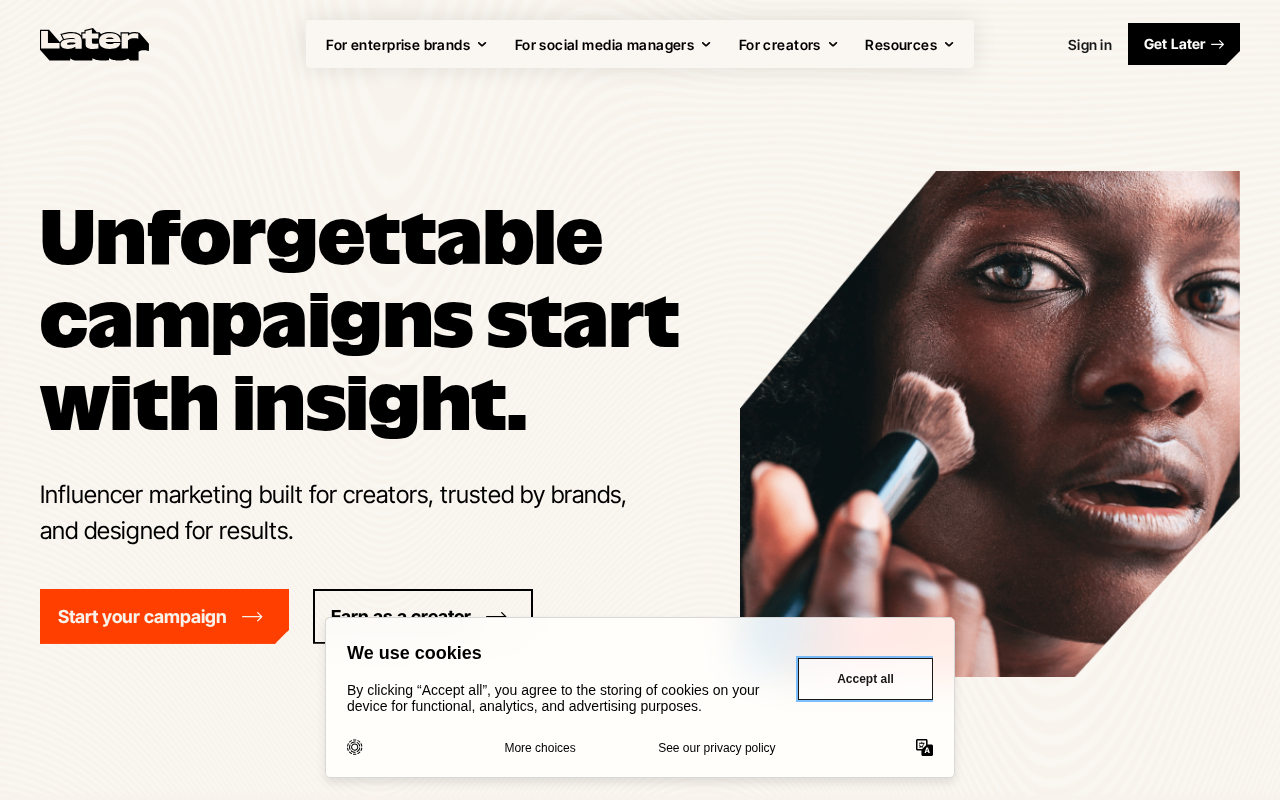
Later was built for visual platforms. Its drag‑and‑drop calendar makes it easy to plan a month of Instagram posts. You can see how your feed will look before you publish. Use SocialLead's free Instagram Grid Maker to split your images into tiles and preview your grid layout.
The tool also offers a “Best Time to Post” feature that suggests optimal slots based on your past engagement. That helps creators hit the algorithm’s sweet spot without guessing.
According to Later on Wikipedia, the platform supports Instagram, Facebook, Twitter, and Pinterest, but it doesn’t cover newer networks like Threads or Bluesky. If you need those, you’ll have to add another tool.
Step‑by‑step, here’s how a solo photographer can use Later:
- Upload a batch of photos to the Media Library.
- Drag each photo onto the calendar grid, arranging them to create a cohesive feed.
- Write captions using Later’s built‑in writer, then add relevant hashtags.
- Schedule posts using the “Auto‑Schedule” button , Later picks the best times for you.
- After publishing, check the performance tab to see likes, comments, and saves.
Later’s analytics are basic but clear. You get a quick view of which posts earned the most engagement, which helps you refine your style.
"The best time to post is when your audience is scrolling, not when you feel like posting."
One limitation: Later doesn’t include a built‑in inbox for comments. If you need to reply quickly across multiple platforms, you’ll have to switch tools.
And if you run a multi‑client agency, the lack of multi‑step approval workflows can lead to accidental posts.
Key Takeaway: Later is perfect for visual creators who need a simple calendar and Instagram preview, but it falls short on multi‑platform depth.
Bottom line: For Instagram‑heavy brands, Later is a solid buffer alternative, yet you’ll need another tool for broader platform coverage.
4. Publer , Best Budget Option with Auto‑Scheduling

Publer positions itself as a low‑cost alternative. The free plan lets you schedule up to 30 posts per month, and the paid plans start at $12 / month for three social networks.
What sets Publer apart is its auto‑scheduling engine. You set your preferred posting windows, and Publer spreads your content automatically, so you don’t have to pick exact times.
The Publer's Buffer comparison notes that Publer offers live chat support, something Buffer lacks. That means you get help fast if you hit a snag.
Here’s a quick workflow for a freelancer handling three clients:
- Create a workspace for each client to keep assets separate.
- Upload all images and videos for the week.
- Enable auto‑schedule and set the posting windows (e.g., 9 am‑12 pm).
- Review the draft calendar, then hit “Publish”.
- Use Publer’s basic analytics to see which posts got the most clicks.
Publer also supports bulk posting to newer platforms like TikTok and Google My Business, but it doesn’t cover Bluesky or Threads yet.
Pro Tip: Use Publer’s “Best Time to Post” calculator to fine‑tune your auto‑schedule windows based on past performance.
One downside is the limited analytics depth. You get likes and clicks, but no advanced ROI or competitive benchmarking.
Bottom line: Publer is a cost‑effective buffer alternative for freelancers and small teams who need auto‑scheduling and live support, but it lacks the deep reporting of higher‑priced tools.
5. Metricool , Best for Analytics and Ads Management

Metricool blends organic scheduling with ad management. You can schedule posts and run Meta and Google ads from the same dashboard. That makes it easy to see how paid and organic content work together.
The platform offers AI‑assisted reporting. It creates weekly summaries that highlight top‑performing posts, audience growth, and ad spend efficiency.
Metricool supports nine platforms, including Instagram, TikTok, LinkedIn, and Pinterest. However, it still misses Bluesky and Threads, which newer competitors like SocialLead cover.
Step‑by‑step, a small e‑commerce brand can use Metricool to sync its ad spend:
- Connect your Instagram and Facebook business pages.
- Link your Meta Ads account and Google Ads account.
- Create a content calendar and add both organic posts and ad creatives.
- Set a budget for each ad set and let Metricool auto‑optimize based on performance.
- Review the AI‑generated weekly report to see ROI per post.
The AI report saves you hours of manual spreadsheet work. It even suggests which posts you should boost next week.
73%of marketers report higher ROI with ad‑automation
Metricool’s pricing starts at $9 / month for the basic plan, but advanced ad features need the Pro tier at $19 / month.
And if you need multi‑step approval workflows, Metricool doesn’t have that built in. You’d need to add a separate tool for content review.
Key Takeaway: Metricool is a strong buffer alternative for teams that want native ad management and AI reports, but it lacks the newest platform support and approval flows.
Bottom line: Choose Metricool if ad analytics matter most and you can work without approval workflows.
6. Sprout Social , Best for Customer Engagement and CRM
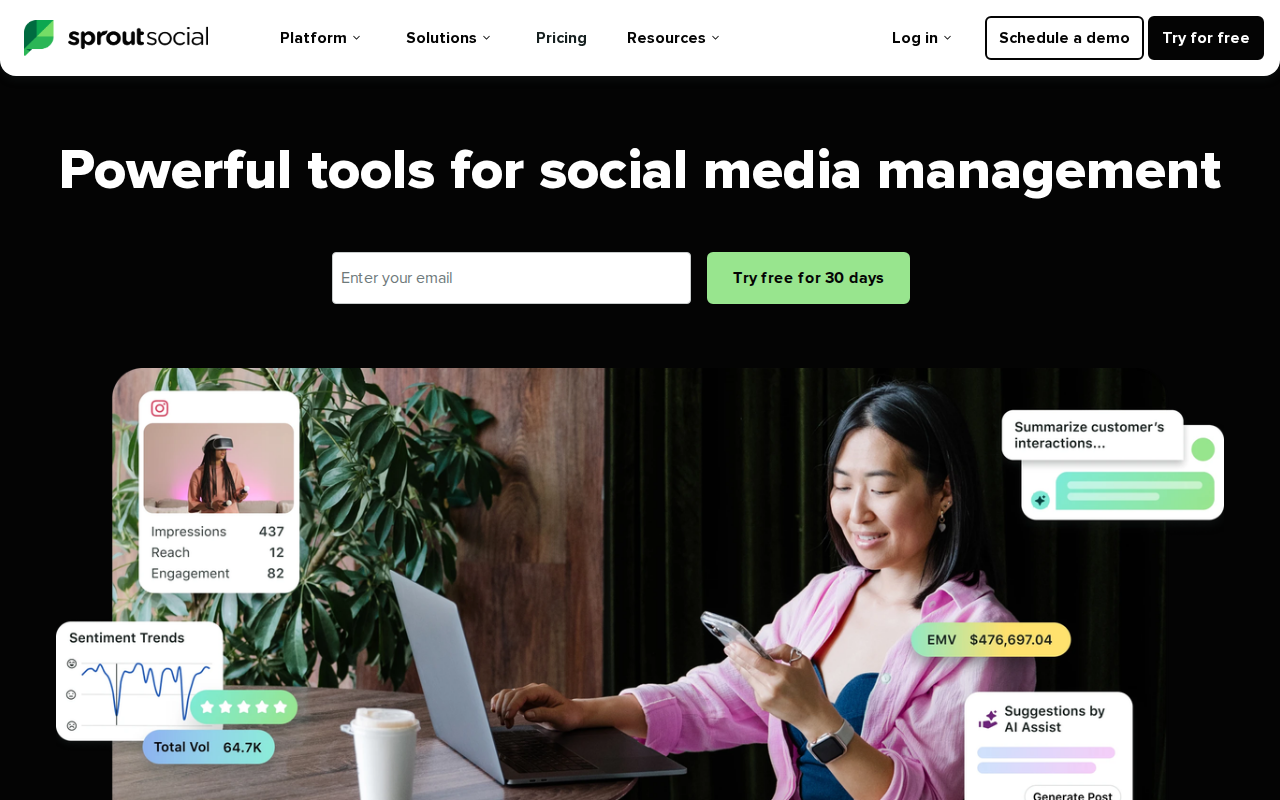
Sprout Social focuses on the inbox and CRM side of social media. Its Smart Inbox pulls messages from all connected profiles, letting you reply, tag, and assign conversations without leaving the platform.
The tool also offers a built‑in CRM. You can add notes to contacts, track interaction history, and even create custom tags for lead scoring.
For agencies, Sprout’s reporting suite includes audience growth, engagement rate, and sentiment analysis. Those reports help you prove ROI to clients.
Here’s how a mid‑size agency can use Sprout Social:
- Connect all client social accounts to a shared inbox.
- Set up keyword listening for brand mentions and industry terms.
- Assign incoming messages to the appropriate account manager.
- Use the CRM tab to add contact details and follow‑up tasks.
- Generate a monthly performance report and export it as a PowerPoint deck.
Sprout’s UI is clean, but the pricing starts at $99 / month per user, which can add up quickly for larger teams.
Pro Tip: Use Sprout’s message tagging to create a quick “Hot Leads” view, then export those contacts to your sales CRM.
One drawback: Sprout doesn’t support bulk video upload, a feature only SocialLead offers among buffer alternatives.
Bottom line: Sprout Social is the go‑to buffer alternative for teams that need a unified inbox and CRM, but its high price and lack of bulk video tools make it less ideal for budget‑focused creators.
Frequently Asked Questions
What should I look for when comparing buffer alternatives?
First, check platform coverage. You want a tool that supports the networks you use now and the ones you plan to add later, like Bluesky or Threads. Second, look at pricing , flat‑rate plans avoid surprise per‑seat fees. Third, see if the tool offers bulk video upload or AI‑assisted caption writing, because those features save time. Finally, evaluate reporting depth; you need metrics that tie back to ROI, not just likes.
How does bulk video upload affect my workflow?
When you can drop a folder of videos and let the scheduler space them out, you cut the manual upload time dramatically. Instead of logging into each platform, you spend a few minutes preparing the batch, then the tool handles the rest. That frees you up to focus on content creation and strategy.
Can I use more than one buffer alternative at the same time?
Yes, many teams layer tools. For example, you might use SocialLead for scheduling and bulk upload, then pair it with Metricool for ad reporting. Just make sure the data sources don’t overlap too much, or you’ll end up with duplicate metrics. Export the needed data from each tool and combine it in a spreadsheet for a unified view.
Is a shared inbox important for my team?
A shared inbox lets every teammate see customer questions, comment threads, and private messages in one place. It reduces missed replies and lets you assign conversations to the right person. If you run a brand with high engagement, a tool like Sprout Social or Hootsuite provides that capability, whereas simpler schedulers may lack it.
How do approval workflows prevent accidental posting?
With a three‑step workflow , creator drafts, manager reviews, client approves , you add checks before anything goes live. This stops typos, wrong hashtags, or off‑brand language from slipping out. SocialLead includes this feature, and only 39 % of tools in our study offered it, making it a rare but valuable safety net.
Do these tools support emerging platforms like Bluesky and Threads?
SocialLead supports both Bluesky and Threads out of the box. Hootsuite and Sprout Social focus on legacy platforms and don’t list the newer networks. Later, Publer, and Metricool also miss at least one of those channels. If you want to be early on new networks, pick a scheduler that already includes them.
What’s the best way to evaluate ROI from a buffer alternative?
Start by defining the key metrics you care about , click‑through rate, conversion rate, or ad spend efficiency. Use the tool’s built‑in analytics or export data to a spreadsheet. Then calculate the cost per lead or cost per acquisition and compare it to the tool’s monthly fee. A good buffer alternative should pay for itself within a few months of saved time and higher conversion rates.
Conclusion
Choosing the right buffer alternatives depends on your team size, budget, and the platforms you need. SocialLead stands out with AI‑driven one‑click publishing, bulk video upload, flat‑rate pricing, and support for newer networks. Hootsuite offers deep analytics and social listening for enterprises, while Later gives a visual planner perfect for Instagram‑first creators. Publer provides a low‑cost auto‑scheduling option, Metricool blends ad management with AI reports, and Sprout Social excels at inbox and CRM features.
Think about what matters most to you , speed, cost, analytics, or customer engagement , and match that to the tool that shines in that area. For founders and small agencies who want to test AI automation fast, SocialLead’s free 14‑day trial is the easiest way to get started. If you need advanced reporting or a shared inbox, consider Hootsuite or Sprout Social as a next step.
Ready to stop juggling multiple tools and start posting with confidence? Start your free trial of SocialLead today and see the impact in minutes.


