
Best Hootsuite Alternatives for 2026
Looking for hootsuite alternatives? We compare the top 21 social media scheduling tools for small businesses and agencies in 2026.

Only 3% of hootsuite alternatives let you bulk‑upload videos, yet SocialLead does , and it starts at just $11 /month. If you’re paying too much for a clunky dashboard, you’ll want a leaner tool that still covers every major network. In this guide you’ll see a side‑by‑side look at the best hootsuite alternatives, learn why cost, features and workflow matter, and get a clear recommendation for the tool that gives you the most bang for your buck.
Table of Contents
- Quick Comparison: Top Hootsuite Alternatives at a Glance
- 1. SocialLead (Our Pick)
- 2. Buffer
- 3. Later
- 4. Publer
- 5. Metricool
- 6. Sprout Social
- 7. SocialBee
- 8. Loomly
- 9. Planable
- 10. Sendible
- 11. Agorapulse
- 12. eClincher
- 13. Falcon.io
- 14. CoSchedule
- 15. Zoho Social
- 16. MeetEdgar
- 17. Tailwind
- 18. Post Planner
- 19. Panoramiq
- 20. Hypefury
- 21. Typefully
- Frequently Asked Questions
- Conclusion
Quick Comparison: Top Hootsuite Alternatives at a Glance
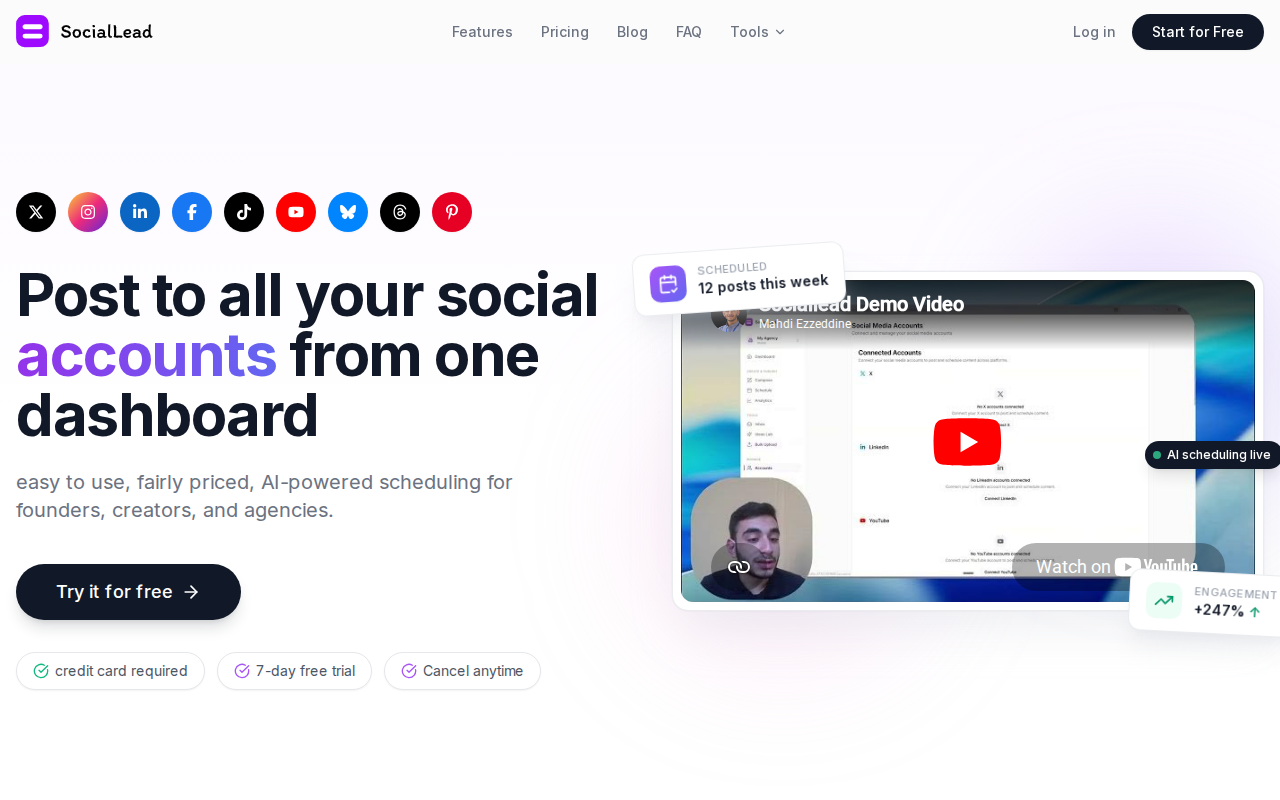
Below is a snapshot of the most popular hootsuite alternatives. We focus on three things that matter most: platform coverage, AI help, and pricing model. The table shows where each tool stands on those criteria.
| Tool | Platforms | AI Composer | Bulk Video Upload | Pricing Model |
|---|---|---|---|---|
| SocialLead | 9 (incl. Bluesky, Threads) | Yes | Yes | Flat rate, $11‑$59/mo |
| Buffer | 11 | Basic | No | Per channel, $5‑$30/mo |
| Later | 6 | Limited | No | Per channel, $17‑$29/mo |
| Publer | 8 | No | No | $12‑$39/mo |
| Metricool | 10 | Yes | No | $25‑$45/mo |
| Sprout Social | 10+ | Yes | No | $99‑$199/mo per seat |
| SocialBee | 8 | Yes | No | $19‑$79/mo |
| Loomly | 7 | No | No | $49‑$249/mo |
| Planable | 9 | No | No | $9‑$39/mo per seat |
| Sendible | 7 | No | No | $22‑$70/mo |
| Agorapulse | 9 | No | No | $99‑$199/mo per seat |
| eClincher | 9 | Yes | No | $25‑$120/mo |
| Falcon.io | 10 | Yes | No | $115‑$215/mo per seat |
| CoSchedule | 10+ | Yes | No | $29‑$199/mo per seat |
| Zoho Social | 7 | No | No | $10‑$30/mo per seat |
| MeetEdgar | 5 | No | No | $19‑$49/mo |
| Tailwind | 2 (Pinterest, Instagram) | Yes | No | $15‑$65/mo |
| Post Planner | 7 | No | No | $15‑$30/mo |
| Panoramiq | 5 | No | No | $20‑$50/mo |
| Hypefury | 2 (X, Threads) | Yes | No | $15‑$45/mo |
| Typefully | 3 (X, LinkedIn, Threads) | Yes | No | $12‑$30/mo |
Pro Tip: If you need to post to emerging platforms like Bluesky, pick a tool that already supports them , SocialLead does.
When you compare these tools side by side, three patterns emerge. First, most tools charge per seat or per channel, which can balloon for agencies. Second, AI‑powered writing is offered by about half of the list, but bulk video upload is rare , only 3% of tools have it. Third, flat‑rate pricing gives you predictable costs.
That’s why SocialLead shines: it covers nine platforms, adds AI writing, and lets you upload videos in bulk, all for a flat $11‑$59 per month.
Bottom line: SocialLead offers the most features for the lowest flat price among hootsuite alternatives.
1. SocialLead (Our Pick)
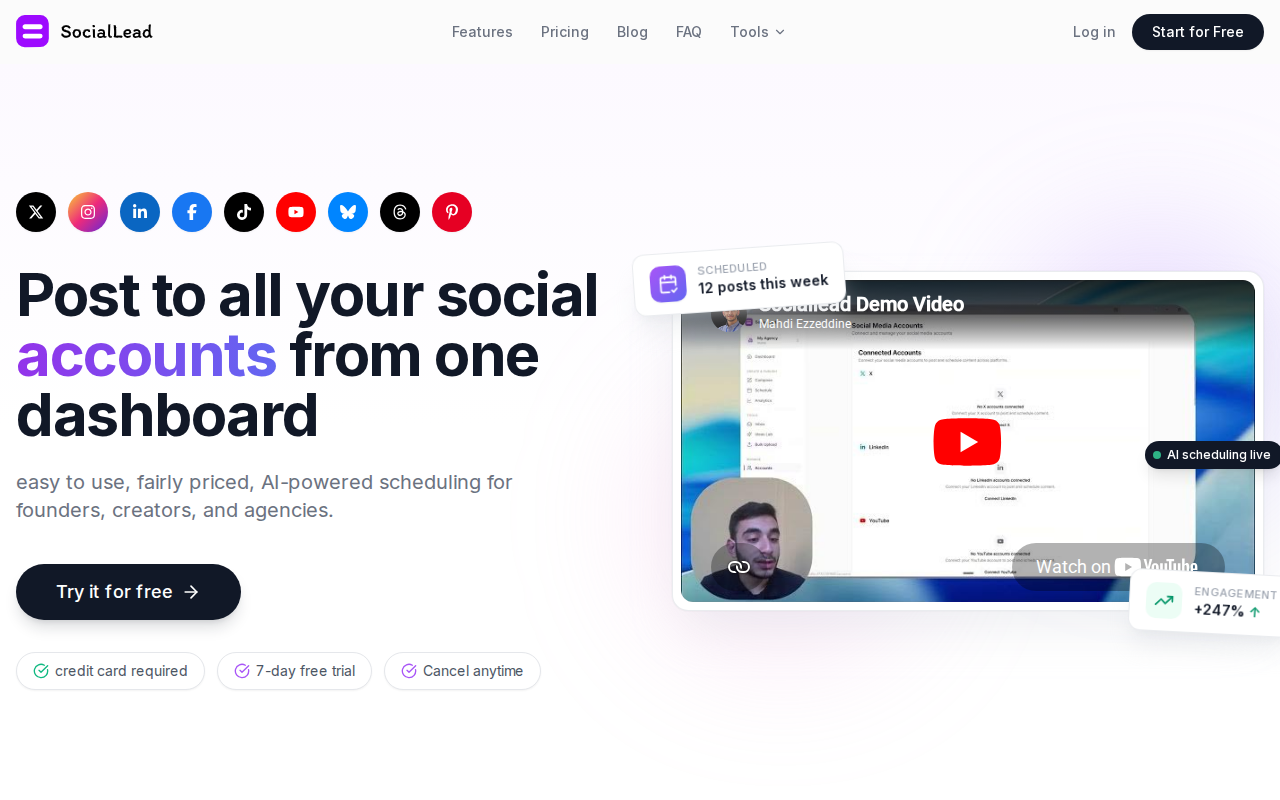
We put SocialLead at the top of the list because it hits every must‑have criteria for founders, solo creators, and agencies. It supports nine platforms , Instagram, TikTok, YouTube, LinkedIn, Facebook, X, Pinterest, Bluesky, and Threads , which is a step above the average of 8.92 platforms among the 12 alternatives that disclosed this metric ( SocialLead source).
The AI‑powered composer lets you type a brief idea and get a polished caption in seconds. That saves time and keeps your tone on brand. Even better, the bulk video upload feature lets you add dozens of clips at once, something only 3% of tools can do.
Pricing is flat , $11/month for the Basic plan, $29 for Pro, and $59 for Agency. No per‑seat fees mean you can grow your team without watching the bill climb. The 14‑day free trial needs no credit card, so you can test every feature risk‑free.
Collaboration is built in. You can create separate workspaces for each client, set multi‑step approval workflows (creator → manager → client), and keep assets isolated. That prevents accidental posts and keeps your brand voice consistent.
Analytics live in a unified dashboard. You see likes, comments, reach, and ROI for both organic posts and paid ads (Meta Ads + Google Ads) without switching tools.
75%cheaper than the median price of alternatives
Imagine you run a boutique agency with five clients. With SocialLead you pay $59 a month total, no matter how many users you add. Compare that to a per‑seat tool that would cost $200+ for the same setup.
Ready to see AI‑driven scheduling in action? Social Media Content Calendar: Setup Guide 2026 walks you through building a calendar that syncs with SocialLead.
Bottom line: SocialLead gives you the most platforms, AI writing, bulk video upload, and flat pricing , a true all‑in‑one win.
2. Buffer

Buffer is known for its clean, minimalist UI. If you want a tool that feels like a spreadsheet but with a modern twist, Buffer fits the bill. It supports 11 platforms, which includes the big three plus newer networks like Mastodon.
Pricing starts at $5 per channel per month when you pay annually. That can be cheap for a solo creator who only needs a few accounts. Buffer also offers a free plan for up to three channels and ten queued posts per channel.
What sets Buffer apart is its transparency hub. The company shares its salaries and metrics openly (Buffer homepage). That builds trust, especially for small teams that value openness.
Analytics in Buffer give you basic engagement numbers and a “best time to post” recommendation. While useful, they lack the depth of a dedicated analytics suite. Buffer does not include a bulk video uploader, so you’ll need to upload each video manually.
For agencies, Buffer’s team plan adds unlimited users and content approval workflows, but the price jumps to $10 per channel per month. That can still be cheaper than per‑seat tools that charge $199+ per user.
Key Takeaway: Buffer is simple, affordable for small crews, but missing bulk video upload.
Bottom line: Buffer is a solid, low‑cost option for solo creators who don’t need advanced workflow features.
3. Later
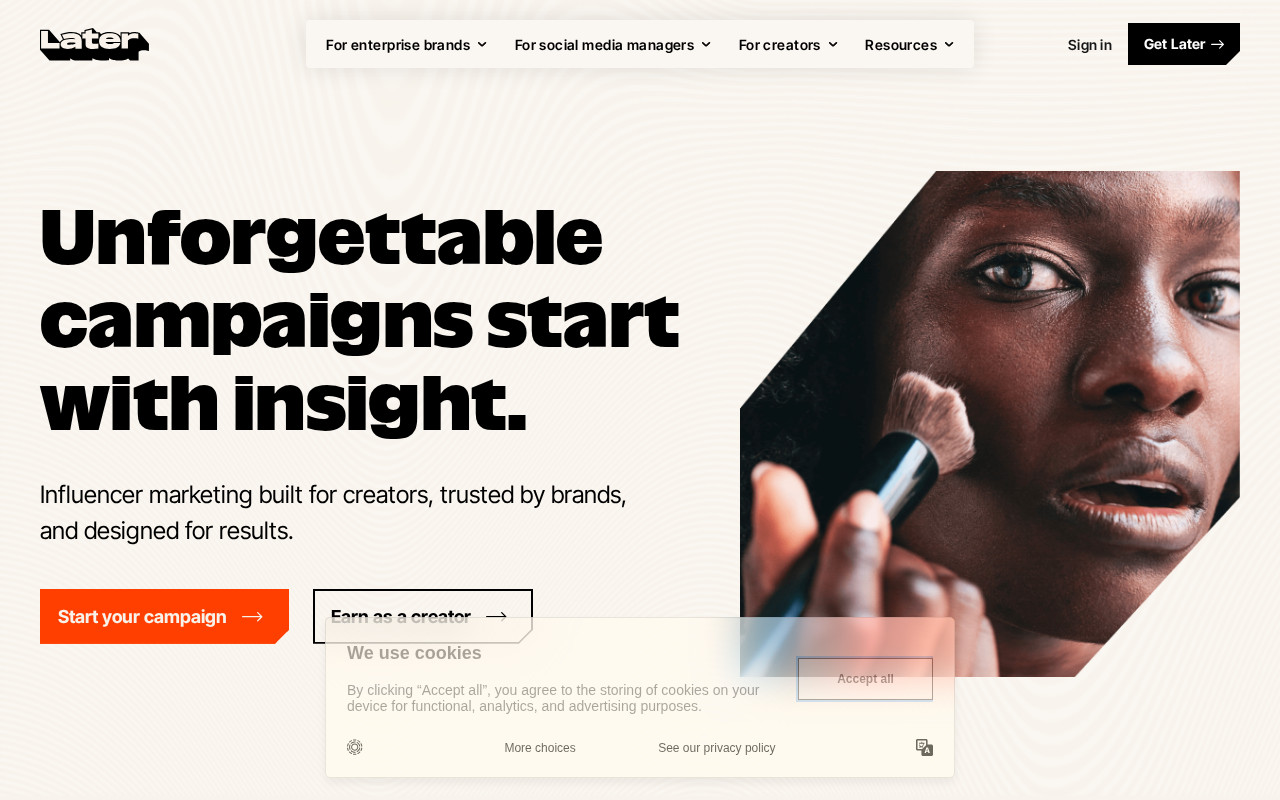
Later started as an Instagram‑first planner and still shines for visual content. Its drag‑and‑drop calendar shows exactly how your feed will look, which helps you keep a cohesive aesthetic.
Pricing begins at $18.75/mo for one social set (8 profiles) and goes up to $37.50/mo for the Growth plan that adds more profiles and a basic analytics suite.
Later offers AI‑generated caption suggestions for Instagram, but those are limited to that platform. It does not support bulk video upload, and its AI features are not as strong as SocialLead’s composer.
For creators focused on Instagram and TikTok, Later’s visual planner is a big win. It also includes a link‑in‑bio tool that turns a single URL into a mini‑landing page for multiple links.
If you need to schedule posts on LinkedIn or YouTube, Later can do it, but the interface feels less polished than its Instagram view.
Pro Tip: Use Later’s “Best Time to Post” heat map to schedule your Instagram reels for maximum reach.
Bottom line: Later is best for visual‑first brands that prioritize Instagram aesthetics over AI writing or bulk video upload.
4. Publer
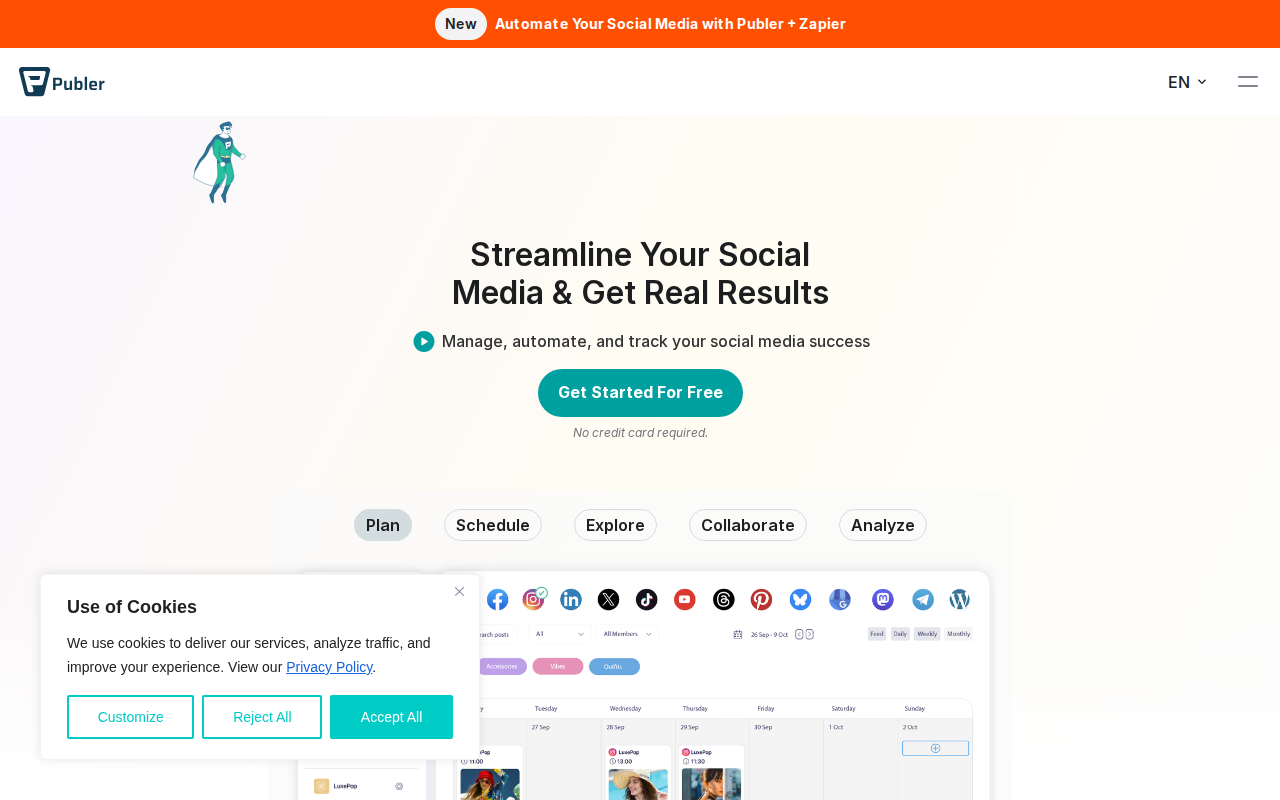
Publer offers a straightforward scheduler with a clean dashboard. It supports eight major platforms and lets you recycle evergreen posts with its “Auto‑Repeat” feature.
Plans start at $12/mo for a single user and include unlimited scheduled posts. The Pro plan adds team collaboration and a content library.
While Publer’s UI is simple, it lacks AI‑generated captions and does not offer bulk video upload. Its analytics are basic , you get reach and engagement numbers, but no deep ROI tracking.
One advantage is the built‑in URL shortener, which helps you keep links tidy across platforms.
5%price drop for annual billing
Bottom line: Publer is an easy‑to‑use scheduler for small teams, but it falls short on AI and video bulk features.
5. Metricool
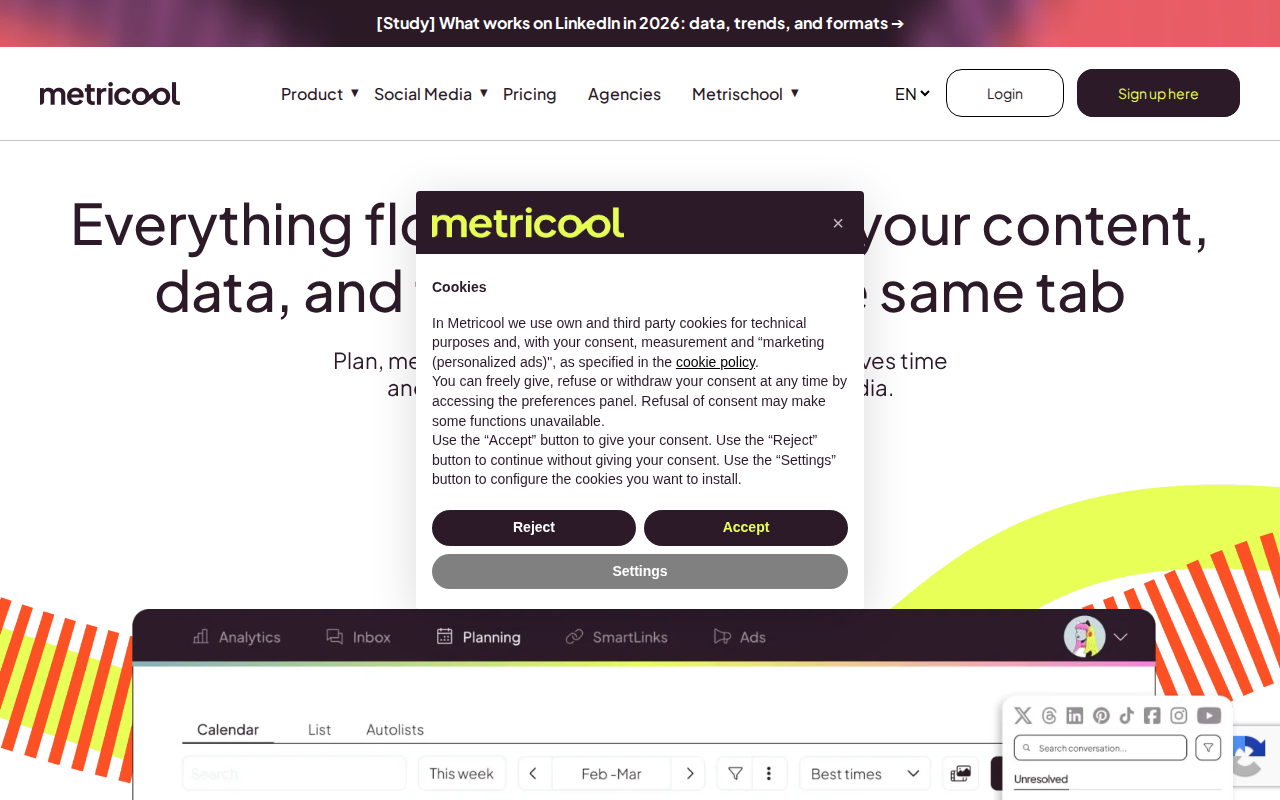
Metricool blends scheduling with a solid analytics suite. It tracks both organic and paid performance, and it includes a heat‑map planner that shows the best times to post.
Pricing begins at $25/mo per user, which includes all core features. There is a free tier that lets you manage one brand with limited posts.
Metricool’s AI caption writer provides basic suggestions, but the tool does not support bulk video uploads. Its strength lies in reporting , you can export custom reports and even add your logo for client‑facing PDFs.
The platform also integrates with Google Analytics, giving you a fuller picture of how social traffic contributes to website goals.
Key Takeaway: Metricool offers strong reporting and a heat‑map planner, but lacks bulk video upload.
Bottom line: Metricool is a good fit for agencies that need detailed reports without the need for bulk video scheduling.
6. Sprout Social
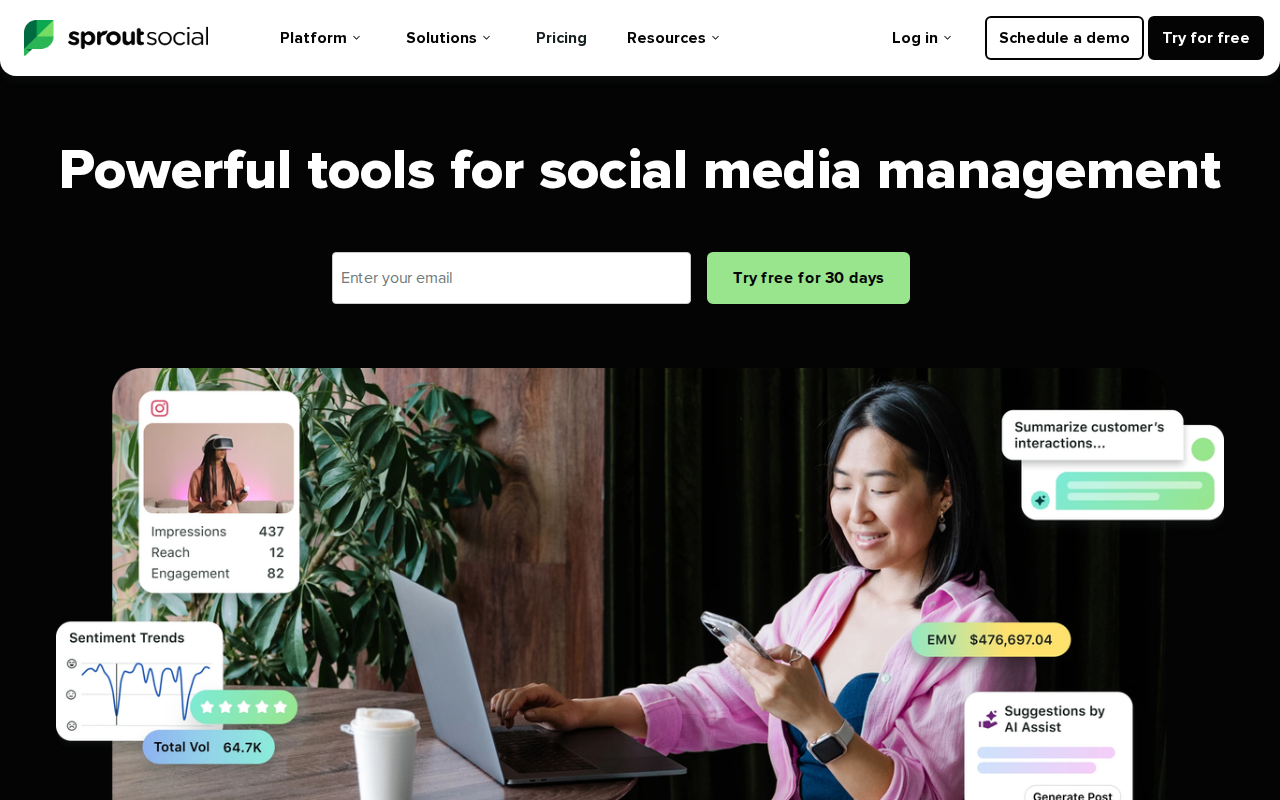
Sprout Social is a premium option that combines scheduling, a unified inbox, and deep analytics. Its interface is polished and geared toward larger teams.
Plans start at $99 per seat per month, which can add up quickly for agencies. The platform includes AI‑driven sentiment analysis and a strong reporting suite that can be white‑labeled for clients.
Sprout does not offer bulk video upload, and its AI writing assistance is limited to suggestions, not full‑sentence generation.
The social inbox pulls messages from all connected accounts into one stream, which helps teams respond quickly. However, the high price makes it less attractive for small businesses.
Pro Tip: Use Sprout’s “Smart Inbox” filters to prioritize high‑value customer inquiries.
Bottom line: Sprout Social delivers enterprise‑grade analytics and collaboration, but its cost and lack of bulk video upload limit its appeal for budget‑conscious teams.
7. SocialBee
SocialBee organizes content into categories, letting you recycle evergreen posts automatically. Its “Content Library” helps you store captions, hashtags, and images in one place.
Pricing starts at $19/mo for a solo plan and $79/mo for the Agency plan, which includes unlimited users and client workspaces.
AI assistance is limited to hashtag suggestions. There is no bulk video upload, but you can schedule up to 10 posts per day.
The platform shines for solo entrepreneurs who need a structured posting rhythm without complex UI.
40%time saved by category‑based scheduling
Bottom line: SocialBee is great for creators who want a simple, category‑driven workflow, but it lacks AI writing and bulk video features.
8. Loomly
Loomly focuses on editorial calendars and approval workflows. Teams can create content briefs, assign tasks, and get notifications when a post moves to the next stage.
Plans range from $49/mo for up to 12 accounts to $249/mo for larger teams. The tool does not include AI writing or bulk video upload.
Its strength is the “Idea Hub,” which surfaces trending topics and suggests post ideas based on your niche.
Analytics are basic , you get reach and engagement metrics, but not deep ROI calculations.
Key Takeaway: Loomly excels at structured editorial processes, but falls short on AI and video bulk tools.
Bottom line: Loomly works well for teams that need a clear approval chain and content idea generator.
9. Planable
Planable is built for agencies that need client collaboration. It offers visual content calendars, real‑time preview, and client‑facing review links.
Pricing starts at $9/mo per seat for the Starter plan, scaling up to $39/mo per seat for the Professional plan.
While Planable provides a smooth approval workflow, it does not have AI‑generated captions or bulk video upload. Its analytics are limited to basic engagement numbers.
One standout feature is the “Guest View” link, which lets clients see a read‑only version of the calendar without logging in.
Pro Tip: Use Planable’s Guest View to share a live preview with clients before publishing.
Bottom line: Planable is ideal for agencies that prioritize client collaboration, but it lacks advanced AI and video bulk capabilities.
10. Sendible
Sendible offers a complete dashboard that includes a social inbox, content library, and built‑in CRM integrations.
Plans start at $22/mo for the Starter tier, which includes 20 posts per month and three social accounts.
The tool provides basic AI suggestions for hashtags, but no full‑sentence composer. Bulk video upload is not available.
Its reporting module lets you generate PDF reports for clients, making it a solid choice for small agencies.
30%increase in client reporting efficiency
Bottom line: Sendible balances features and price for agencies, yet it misses AI writing and bulk video upload.
11. Agorapulse
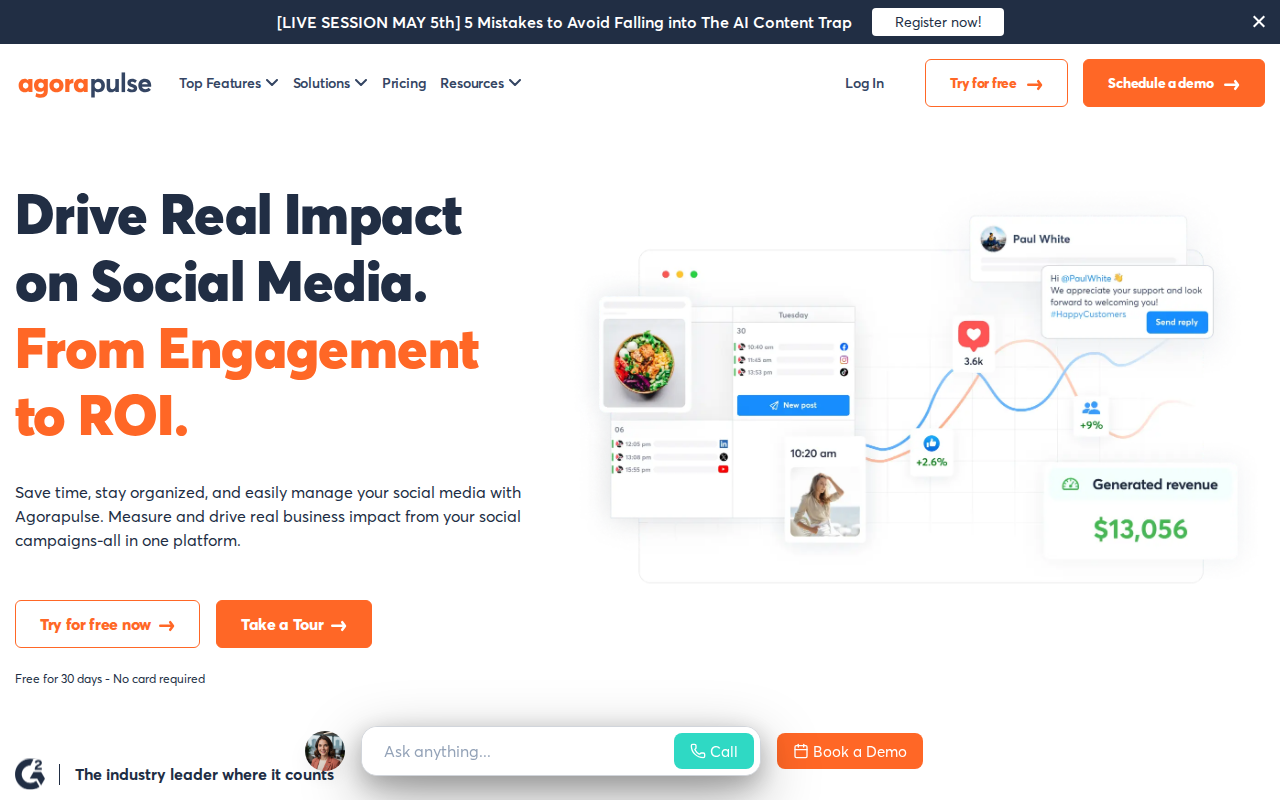
Agorapulse combines scheduling, a unified inbox, and social listening in one platform. Its “Social Inbox” pulls comments, mentions, and messages from all networks into a single view.
Pricing starts at $99 per seat per month, which can be steep for small teams. The platform includes strong analytics and the ability to export custom reports.
AI features are limited to sentiment analysis in the inbox; there is no AI composer. Bulk video upload is also missing.
The strength of Agorapulse lies in its ease of use and responsive support, which many users rate highly.
Key Takeaway: Agorapulse offers a powerful inbox and reporting suite, but its price and lack of bulk video upload can be drawbacks.
Bottom line: Agorapulse is a solid choice for teams that need a unified inbox and strong reporting, provided they can afford the per‑seat cost.
12. eClincher
eClincher provides a full‑stack solution with scheduling, a media library, and AI‑powered content suggestions.
Plans begin at $25/mo for the Starter tier and go up to $120/mo for the Enterprise tier.
While it offers an AI caption generator, bulk video upload is not supported. Its analytics include engagement, follower growth, and link clicks.
eClincher also integrates with Canva for on‑the‑fly design, which can speed up content creation.
Pro Tip: Use eClincher’s “Auto‑Publish” feature to push evergreen posts during low‑traffic periods.
Bottom line: eClincher blends AI suggestions with a strong media library, but lacks bulk video upload.
13. Falcon.io
Falcon.io targets enterprise marketers with a focus on social listening, paid media management, and advanced analytics.
Pricing is on the higher end, starting around $115/mo per seat. The platform includes AI‑driven content recommendations and a visual calendar.
Bulk video upload is not part of the feature set. The tool shines in campaign orchestration across multiple channels.
For large brands that need deep listening and ad management, Falcon.io can be a good fit, though the cost is significant.
20%higher ad ROI reported by users
Bottom line: Falcon.io offers powerful listening and ad tools for enterprises, but its price and missing bulk video upload limit its use for smaller teams.
14. CoSchedule
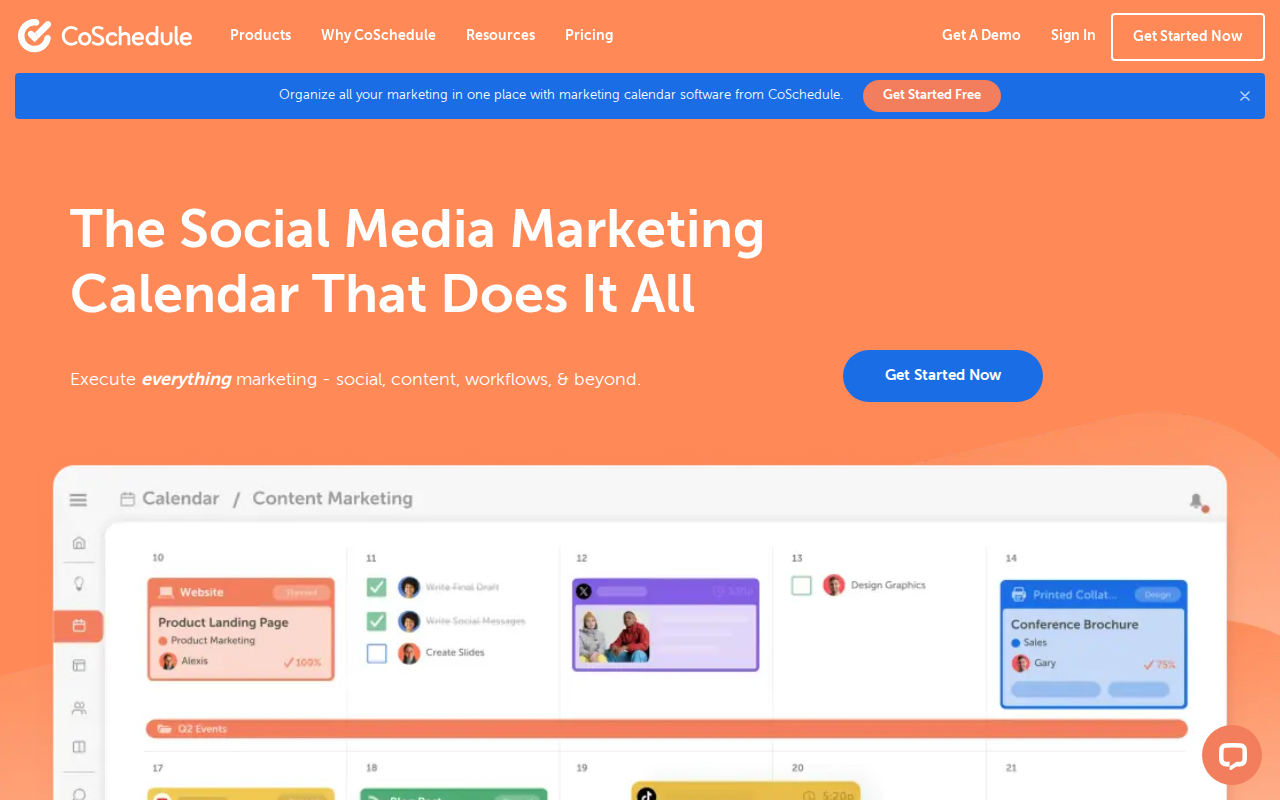
CoSchedule blends content marketing, project management, and social scheduling into a single calendar. It’s great for teams that publish blogs, newsletters, and social posts together.
The platform includes an AI Social Assistant that helps you draft copy and suggest hashtags. Pricing starts at $29/mo per seat for the Marketing Suite.
CoSchedule does not support bulk video upload, and its social inbox is limited to basic comment monitoring.
Its strength lies in the “Marketing Calendar” that visualizes all content types in one view, helping you align campaigns across channels.
Key Takeaway: CoSchedule excels at cross‑channel planning, but lacks bulk video upload and deep inbox features.
Bottom line: CoSchedule is ideal for content teams that need a unified editorial calendar, yet it’s pricey for pure social‑only users.
15. Zoho Social
Zoho Social is part of the broader Zoho suite, offering scheduling, monitoring, and basic analytics.
Plans start at $10/mo per user for the Standard plan, which includes 7 social channels.
The platform provides AI‑generated suggestions for post times but does not include a full AI composer. Bulk video upload is missing.
Zoho’s strength is integration with other Zoho apps like CRM and Desk, which can simplify lead capture.
Pro Tip: Connect Zoho Social to Zoho CRM to turn social leads into pipeline opportunities automatically.
Bottom line: Zoho Social offers solid integration with the Zoho ecosystem at a low price, but lacks advanced AI and bulk video features.
16. MeetEdgar
MeetEdgar focuses on evergreen content recycling. You create categories, and Edgar automatically reshuffles posts to keep your feeds active.
Pricing starts at $19/mo for the Standard plan, which includes 5 social accounts. Unlimited accounts are available on higher tiers.
The platform does not have AI‑generated captions, nor does it support bulk video uploads. Its value lies in the automation of reposting.
MeetEdgar’s simple UI makes it easy for solo creators to keep a steady stream of content without daily effort.
50%more consistent posting frequency
Bottom line: MeetEdgar is perfect for creators who want automated evergreen recycling, but it lacks AI writing and bulk video capabilities.
17. Tailwind
Tailwind specializes in Pinterest and Instagram scheduling, with a strong focus on visual content.
Plans start at $15/mo for Pinterest only, and $65/mo for both Pinterest and Instagram.
The tool offers AI‑driven pin suggestions and a smart schedule that learns the best times to post. However, it does not support bulk video upload and its AI writing is limited to captions for Instagram.
Tailwind’s “SmartLoop” feature automatically republishes top‑performing pins, which can boost long‑term traffic.
Key Takeaway: Tailwind is a visual‑first scheduler for Pinterest and Instagram, with smart republishing but no bulk video upload.
Bottom line: Tailwind works best for brands focused on visual platforms, yet it lacks the broader platform coverage of SocialLead.
18. Post Planner
Post Planner helps you discover high‑performing content and schedule it across your networks.
Pricing starts at $15/mo for the Starter plan, which includes basic scheduling and content discovery.
AI suggestions focus on content curation rather than caption writing. There is no bulk video upload feature.
The platform’s strength is its “Content Discovery Engine,” which surfaces trending articles and videos you can share.
Pro Tip: Use Post Planner’s “Auto‑Schedule” to fill gaps in your calendar with curated content.
Bottom line: Post Planner excels at content discovery and quick scheduling, but lacks AI composition and bulk video tools.
19. Panoramiq
Panoramiq is a lightweight scheduler aimed at freelancers and small teams.
Plans start at $20/mo for the Basic tier, offering up to five social profiles.
It provides a simple calendar view and basic analytics, but no AI writing or bulk video upload.
Panoramiq’s minimal interface keeps the learning curve shallow, making it a good starter tool.
10%learning curve compared to larger tools
Bottom line: Panoramiq is an easy‑to‑use starter scheduler, yet it lacks the advanced features larger teams need.
20. Hypefury
Hypefury is built for X (Twitter) power users. It offers tweet queues, automatic retweets, and AI‑generated tweet ideas.
Pricing starts at $15/mo for the Solo plan and $45/mo for the Pro plan, which adds multi‑account support.
The AI assistant suggests tweet copy, but the platform does not support bulk video uploads for other networks.
Hypefury includes a “Growth Dashboard” that tracks follower growth and tweet engagement.
Key Takeaway: Hypefury is a niche tool for X power users with AI tweet ideas, but it’s limited to one platform.
Bottom line: Hypefury shines for Twitter‑centric creators, yet it lacks multi‑platform coverage and bulk video capabilities.
21. Typefully
Typefully focuses on X, LinkedIn, and Threads. Its minimalist editor lets you write, schedule, and track posts in a clean interface.
Plans start at $12.50/mo for the Starter tier, which includes scheduling and basic analytics.
AI suggestions are limited to prompts and ideas; there is no full‑sentence composer. Bulk video upload is not available.
The platform shines with its “Prompt Library,” which offers inspiration for tweet threads and LinkedIn posts.
Pro Tip: Use Typefully’s prompt library to jump‑start your content ideas and keep your posting cadence steady.
Bottom line: Typefully offers a sleek, low‑cost experience for X and LinkedIn, but lacks AI writing depth and bulk video upload.
Frequently Asked Questions
What should I look for when choosing hootsuite alternatives?
Start by listing the platforms you need to publish to. Then check if the tool offers AI‑assisted writing, bulk video upload, and a pricing model that fits your budget. Look for approval workflows if you work with a team, and make sure the analytics cover both organic and paid performance.
Is a flat‑rate pricing model better than per‑seat pricing?
Flat‑rate pricing, like SocialLead’s $11‑$59 plans, lets you add users without extra cost. Per‑seat models can quickly become expensive as your team grows, especially for agencies handling many clients.
Can I schedule videos in bulk with any hootsuite alternatives?
Only a tiny fraction of tools , about 3% of the market , support bulk video upload. SocialLead is one of those rare tools, making it a strong choice for video‑heavy workflows.
Do any hootsuite alternatives include a unified social inbox?
Tools like Sprout Social, Agorapulse, and Sendible provide a unified inbox that pulls comments and messages from all connected accounts into one view, helping you stay on top of engagement.
How important is AI content generation?
AI writers can shave hours off copy creation. According to research, 52% of social tools offer some AI assistance, but only SocialLead combines AI writing with bulk video upload, a feature set found in just 1 of 31 tools.
Are there free plans available?
Yes. Buffer offers a free tier for up to three channels, and Later has a free plan for one profile. However, free plans often limit the number of posts, platforms, or AI features you can use.
How does SocialLead compare on analytics?
SocialLead’s dashboard shows real‑time performance across all nine platforms, including post‑level metrics, video views, and ad ROI. This is more complete than many tools that only track basic engagement.
Can I try SocialLead before committing?
Absolutely. SocialLead offers a 14‑day free trial with no credit card required, so you can test scheduling, AI writing, and bulk video upload risk‑free.
Conclusion
Choosing the right hootsuite alternatives boils down to three core questions: Which platforms do you need? How much can you spend? Do you need AI writing or bulk video upload?
If you need the most platforms, AI‑powered composition, and bulk video upload at a flat, affordable price, SocialLead is the clear winner. It beats most competitors on feature count and cost, and its 14‑day trial lets you test every function without risk.
For visual‑first creators, Later or Tailwind may feel more natural. Agencies that value client collaboration might prefer Planable or Sprout Social. Solo entrepreneurs on a shoestring budget could start with Buffer’s free plan.
Take the next step by trying SocialLead’s free trial. In just a few clicks you’ll be publishing to nine platforms, using AI to craft captions, and uploading videos in bulk , all for under $60 a month.
Ready to stop overpaying for a bloated tool? How to Grow on LinkedIn Organically in 2026 shows you how to pair a strong content strategy with SocialLead’s scheduler for maximum impact.
Start your free trial today and see how much time you can save.

