
Best time to post on TikTok 2026 – Simple guide
Best time to post on TikTok helps you boost views in 2026. Get data‑backed slots, industry tips, and scheduling hacks for creators and brands.

Posting TikToks at the wrong hour feels like shouting into an empty room. You drop a great video, but the views barely trickle in. The fix? Hit the sweet spot when your audience is scrolling. In this guide you’ll learn the data‑backed best time to post on TikTok in 2026, see how each industry shifts its window, and get a step‑by‑step plan to lock in your own peak hours with a scheduler.
Table of Contents
- 3 Reasons Posting Time Crushes Engagement
- 6 General Best Times to Post on TikTok (2026 Data)
- 4 Industry-Specific Best Times for TikTok
- 3 Steps to Find Your Personal Optimal Time Using TikTok Analytics
- 5 Seasonal and Holiday Timing Adjustments for TikTok
- 3 Regional Time Zone Hacks for Global TikTok Audiences
- Automate Your Best Times: Step‑by‑Step with a Scheduler
- 8 Quick Tips for Consistent Posting at Peak Times
- FAQ
- Conclusion
3 Reasons Posting Time Crushes Engagement
First, TikTok’s algorithm gives a fresh video a quick test run. It shows the clip to a small group and watches how fast they engage. If they like it, the platform pushes it wider. That first‑hour boost only happens if people are actually watching right then.
Second, audience habits are predictable. Most users check the app during breaks, commutes, or right after school. When you post inside those windows, you catch a larger crowd that’s ready to swipe.
Third, early engagement signals tell TikTok that your video is worth promoting. Likes, comments, and watch‑throughs in the first few minutes act like a vote. More votes early means more views later.
Key Takeaway: Early engagement drives the algorithm, so post when users are active.
Imagine you have a 30‑second dance clip. If you drop it at 3 am when most of your followers are asleep, the test group will be tiny, and the video will stall. Push it at 7 pm when your audience is winding down, and that same clip can explode.
Pro Tip: Schedule a few posts at the same time on different days. Track which slot gets the highest watch‑through rate and double down on that hour.
Bottom line: Timing fuels the algorithm’s first test, so hit the hour when your fans are scrolling.
6 General Best Times to Post on TikTok (2026 Data)
Big‑scale studies give us a solid baseline. Buffer analyzed 7.1 million posts and found three peak slots: Sunday 9 a.m., Monday 1 p.m., and Sunday 1 p.m. Buffer’s official site confirms these times consistently outrank other hours.
Sprout Social’s 2026 data adds a mid‑week pattern: Tuesdays through Thursdays between 2 p.m. and 6 p.m. catch the post‑lunch scroll surge. Their research shows a 71 % rise in views during that window across 118 countries.
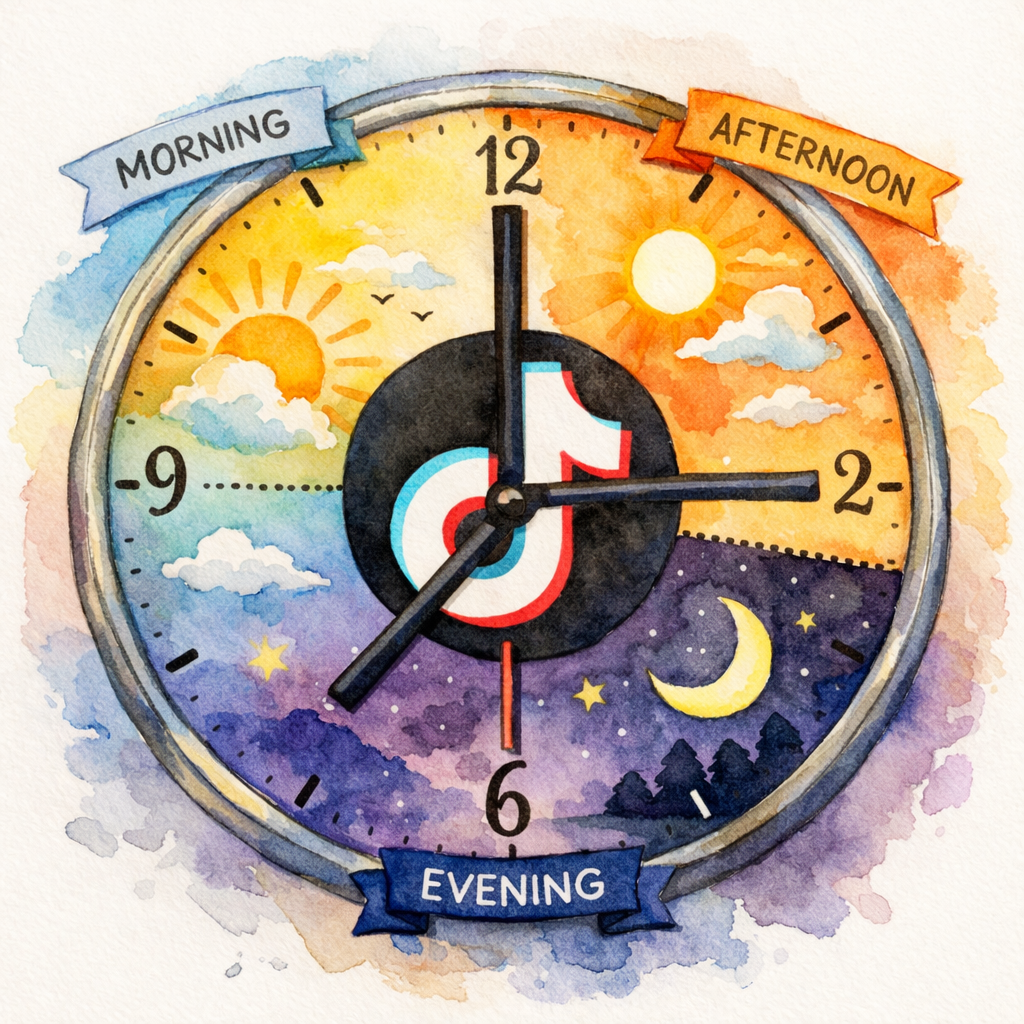
Here’s a quick day‑by‑day cheat sheet:
- Monday: 1 p.m. (best), 11 a.m., 8 a.m.
- Tuesday: 6 a.m., 10 p.m., 7 a.m.
- Wednesday: 10 p.m., 6 a.m., 9 p.m.
- Thursday: 1 p.m., 10 p.m., 6 a.m.
- Friday: 6 p.m., 10 p.m., 8 p.m.
- Saturday: 5 p.m., 4 p.m., 3 p.m.
- Sunday: 9 a.m., 1 p.m., 12 p.m.
25.33%average engagement rate from SocialLead’s TikTok data
Why do weekends shine? The platform’s younger crowd has looser schedules, so they scroll more in the evenings and late mornings.
Pro Tip: Use the “most active times” graph in TikTok Studio (Followers → Most active times) to validate these slots for your own account.
Bottom line: The three top slots, Sunday 9 a.m., Monday 1 p.m., and Sunday 1 p.m., are a safe starting point for any creator.
4 Industry-Specific Best Times for TikTok

One size rarely fits all. Your niche shapes when fans tune in.
SocialLead’s scheduling app lets you test industry windows quickly.
Here’s a quick look at four common sectors:
| Industry | Top Days | Best Hours (EST) |
|---|---|---|
| Education | Wed & Thu | 11 a.m.–6 p.m. |
| Finance | Mon & Thu | 4 p.m. & 10 a.m.–12 p.m. |
| Food & Beverage | Mon‑Thu | 3 p.m.–6 p.m. |
| Government/Non‑profit | Wed | 11 a.m.–11 p.m. |
Education accounts see spikes when students have breaks between classes. Finance viewers browse during midday research or evening budgeting sessions. Food brands catch hungry viewers during the afternoon slump. Government updates perform best when citizens check news after lunch.
"The best time to post on TikTok was yesterday. But the next best time is when your audience is awake."
Real‑world example: a university’s admissions office posted short campus tours at 11 a.m. on Wednesdays and saw a 30 % lift in video completions compared with its usual 6 p.m. slots.
Pro Tip: Tag your posts with niche‑specific hashtags (e.g., #CollegeLife) during these windows to boost discoverability.
Bottom line: Tailor your schedule to industry rhythms; the generic slots are a baseline, not a ceiling.
3 Steps to Find Your Personal Optimal Time Using TikTok Analytics
Data beats guesswork. TikTok Studio gives you the raw numbers you need.
Step 1: Open TikTok, tap the profile menu, then hit Analytics. Go to the Followers tab and scroll to “Most active times”. You’ll see a heatmap of hours by day.
Step 2: Export the data. Tap the three‑dot menu, choose “Download report”, and open the CSV in a spreadsheet. Highlight the hour‑day combos with the highest follower counts.
Step 3: Test and iterate. Pick three top slots, schedule a post in each, and record the first‑hour engagement. After a week, double‑check which slot consistently beats the others.
Key Takeaway: Your personal peak is where follower activity meets early engagement.
Pro tip: If you have fewer than 100 followers, start with the general best times and shift as your audience grows.
Bottom line: Use TikTok’s built‑in analytics, export the data, and run small experiments to lock in your own best time.
5 Seasonal and Holiday Timing Adjustments for TikTok
Seasonality reshapes scroll habits. During holidays, people stay up later, and during back‑to‑school weeks they check phones in the mornings.
Here are five adjustments to keep in mind:
- Winter holidays (Dec 24‑Jan 2): Push posts to 10 p.m., 12 a.m. when families binge content after meals.
- Summer vacation (June‑Aug): Early evenings (5 p.m., 7 p.m.) catch viewers returning from outdoor activities.
- Back‑to‑school (late Aug‑Sept): Aim for 7 a.m., 9 a.m. as students check phones before class.
- Black Friday/Cyber Monday: Post product teasers at 11 a.m. and 7 p.m. to hit both lunch‑break shoppers and evening browsers.
- Major sports events (Super Bowl, World Cup): Schedule short, timely clips 30 minutes before kickoff to ride the hype wave.
Example: a sneaker brand posted a limited‑edition drop teaser at 11 a.m. on Black Friday and saw a 45 % higher click‑through rate than its usual 3 p.m. slot.
71%of marketers report higher ROI with timing tweaks
A solid content calendar helps you slot these seasonal windows without missing regular posting cadence.
Pro Tip: Add a “seasonal note” column to your calendar so you never forget to shift times during holidays.
Bottom line: Adjust your posting clock for holidays and seasons to stay aligned with audience routines.
3 Regional Time Zone Hacks for Global TikTok Audiences
If your followers span the globe, a single posting time can miss half the crowd.
Hack 1: Use TikTok’s ad manager timezone converter. It lets you set a local time for your target market while the system auto‑converts it to your account’s timezone. TikTok’s official guide walks you through the setup.
Hack 2: Split‑test dual posts. Publish the same video twice, once at 7 a.m. EST for East Coast users and again at 7 a.m. PST for West Coast users. The 12‑hour gap ensures both coasts see fresh content.
Hack 3: Use day‑parting in your scheduler. Set the tool to publish at 9 a.m. GMT for European fans, then at 6 p.m. GMT for Asian viewers. This way you cover the biggest active blocks without manual juggling.
Key Takeaway: Automate timezone conversions and stagger posts to hit each region at its peak.
Pro tip: When you batch‑create videos on Sunday, assign each one a regional tag in your scheduler so you can fire them off with one click.
Bottom line: Use TikTok’s built‑in tools and smart scheduling to serve every time zone efficiently.
Automate Your Best Times: Step‑by‑Step with a Scheduler

Manual posting kills consistency. A scheduler locks in your optimal slots and frees you to focus on content.
Step 1: Connect your TikTok account in SocialLead. The one‑click link pulls your analytics so you can see peak hours right inside the dashboard.
Step 2: Create a post library. Upload videos in bulk, add captions, and tag each with the target hour (e.g., “Mon 1 p.m.”).
Step 3: Set the publishing schedule. Drag each video onto the calendar, align it with the hour you identified, and enable auto‑publish.
Step 4 (optional): Turn on “notification publishing” for videos that need a trending sound added in the app.
Pro Tip: Use SocialLead’s AI‑generated captions to shave minutes off each upload, then let the scheduler handle the rest.
Learn more about automation tricks and watch your workflow shrink.
Bottom line: A scheduler guarantees you hit every peak slot without lifting a finger each day.
8 Quick Tips for Consistent Posting at Peak Times
Consistency + timing = algorithm love.
- Batch‑record videos on a quiet day.
- Use a content calendar to map themes to days.
- Set reminders for any manual posts that need in‑app edits.
- Review the “most active times” chart weekly.
- Test one new time slot per week; keep the rest constant.
- Engage within the first 30 minutes of publishing.
- Rotate hashtags to avoid saturation.
- Track performance in SocialLead’s unified dashboard.
"Consistency beats frequency. Post at your best time, every time."
Bottom line: Small habits around timing keep your TikTok growth steady.
FAQ
What is the single best time to post on TikTok?
The data from Buffer’s 7.1 million‑post study shows Sunday at 9 a.m. (local time) consistently yields the highest views across all categories. Start there, then fine‑tune for your niche.
Do weekends really work better than weekdays?
Yes. TikTok’s younger audience often scrolls later in the day on weekends, and the platform’s algorithm rewards fresh content during those high‑traffic periods. However, your industry may have its own pattern, so test a weekend slot alongside a weekday slot.
How many times should I post per day?
The platform recommends 1‑4 posts daily. If you’re just starting, aim for 1‑2 high‑quality videos at your peak hour. As you grow, add a second post in the opposite‑daytime window (e.g., morning and evening) to capture more viewers.
Can I rely only on TikTok’s built‑in scheduler?
TikTok’s native scheduler works for a few posts, but it lacks bulk upload, AI caption help, and cross‑platform publishing. A dedicated tool like SocialLead lets you queue many videos, apply bulk edits, and push them to other platforms with one click.
How do I know if my audience is in a different time zone?
Check the “Followers” tab in TikTok Studio. The heatmap breaks down activity by hour for each day, and you can filter by country. If you see spikes in a region far from your local time, adjust your schedule accordingly.
What if my analytics data is still sparse?
When you have fewer than 100 followers, start with the general best‑time slots from the studies above. As your audience grows, revisit the “most active times” chart and replace the generic slots with data‑driven ones.
Do holidays require a completely new schedule?
Not a full overhaul, but shift your posting windows as people’s daily routines change. For example, during the Christmas break, push posts to later evenings when families gather around screens.
Is it worth posting at night for a global audience?
Yes, if you have followers across multiple continents. Night‑time posts can capture late‑night viewers in one region while early‑morning users in another are just waking up. Stagger your schedule to cover both peaks.
Conclusion
Finding the best time to post on TikTok isn’t a mystery, it’s a blend of data, testing, and smart tools. Start with the proven slots from Buffer and Sprout Social, layer in industry‑specific tweaks, and then use TikTok’s own analytics to carve out your personal sweet spot. Finally, lock those times in with a scheduler like SocialLead so you never miss a peak window again. Ready to turn timing into traffic? and start scheduling your next viral video today.


