
Best Social Media Automation Tools 2026
Discover the top social media automation tools for 2026 and see why SocialLead is the best pick for small businesses and agencies.

Most founders waste 6‑10 hours a week juggling posts, comments, and analytics across platforms. That’s time you could spend building product, closing deals, or just breathing.
In the next few minutes you’ll see a straight‑forward rundown of the best social media automation tools for 2026, learn how each feature can shave minutes or hours off your workflow, and get a clear reason why SocialLead tops the list.
An analysis of 10 leading social media automation tools across 4 sources shows that 88% rely solely on Zapier for integrations, yet the only platform adding Google Analytics does so without dropping any AI features.
Comparison of 10 Social Media Automation Tools, April 2026 | Data from 4 sourcesName| Automation Scope| Supported Platforms| AI‑Assisted Features| Integrations| Free Tier| Best For| Source
---|---|---|---|---|---|---|---
SocialLead (Our Pick)| post scheduling and publishing| 9 platforms (unspecified)| AI-powered scheduling| —| —| Best overall automation| SocialLead
Sendible| scheduling, queue automation, comment replying, RSS automation, AI caption assistance| Instagram, Facebook, TikTok, LinkedIn, Google Business Profile, YouTube, WordPress, Threads, Bluesky, X| AI caption assistance| Zapier, Google Analytics| —| Best integration depth| zapier.com
Vista Social| scheduling, inbox monitoring, DM automation, task management, AI assistance| Facebook, X, Instagram, YouTube, LinkedIn, TikTok, Pinterest, Google Business Profile, Threads, Snapchat, Reddit, Bluesky, Tumblr| AI assistant| Zapier| free 14-day trial| Best platform breadth| zapier.com
Buffer| scheduling, AI post generation| Facebook, X, LinkedIn, Instagram, TikTok, YouTube, Mastodon, Bluesky, Threads, Pinterest, Google Business Profile| AI post generation, draft rephrasing, idea generation| Zapier| Free plan includes 1 user, 3 accounts, and 10 scheduled posts per profile| Best AI content generation| zapier.com
Hootsuite| scheduling, inbox monitoring, AI post generation| —| AI post generation, brainstorming, spelling correction, performance analysis, risk flagging| Zapier| No (30-day trial available)| Best inbox monitoring| zapier.com
Sprout Social| —| —| Listens to 30B+ daily messages; AI summarises sentiment trends with real customer voice quotes| Zapier| No (30-day trial available)| Best sentiment analysis| zapier.com
Agorapulse| scheduling, AI writing assistance, inbox automation, approval workflows| Facebook, Google Business Profile, LinkedIn Pages, Instagram, Threads, X, TikTok, Pinterest, Bluesky, YouTube Channels, Meta ads, LinkedIn ads, TikTok ads| AI writing assistant| Zapier| Free for 1 user and 3 social profiles| Best ad management| zapier.com
Metricool| scheduling| Facebook, Instagram, Threads, X, Bluesky, LinkedIn, Pinterest, Google Business Profile, TikTok, YouTube, Twitch| —| Zapier| Free for one brand, 20 posts per month, and 5 competitors| Best competitor tracking| zapier.com
Iconosquare| scheduling| Facebook Pages, X, Threads, LinkedIn, Instagram, TikTok, YouTube, Pinterest| AI caption generation| —| Free for 1 user and 2 social profiles| Best visual caption AI| zapier.com
Typefully| scheduling, thread splitting, AI content assistance, automatic DMs| X, Threads, Mastodon, Bluesky, LinkedIn| AI content assistance, idea suggestion| Zapier| Free plan with 5 drafts and 15 posts/month on X and Bluesky| Best thread automation| zapier.com
The research team queried the web for "social media automation tools" on April 18, 2026, scraping 15 web pages and 3 direct‑crawl sources. Data fields captured included automation scope, supported platforms, AI‑assisted features, integrations, and free‑tier details. Pre‑computed metrics guided the analysis. Sample size: 18 items.
Now that you see the landscape, let’s dig into the tools that actually move the needle.
Table of Contents
- 1. SocialLead (Our Pick)
- 2. Emerging All‑In‑One Scheduler
- 3. AI‑Powered Content Planner
- 4. Bulk Video Upload Hub
- 5. Multi‑Step Approval Workflow Tool
- 6. Pricing Snapshot
- 7. How to Choose the Right Automation Features
- FAQ
- Conclusion
1. SocialLead (Our Pick)
SocialLead packs AI‑powered scheduling, a unified dashboard, and flat‑rate pricing into a single click. You pick a date, a time, a platform, and the AI writes a caption if you need one. Then you hit publish and walk away.
What sets it apart? First, it supports nine platforms, including newer ones like Bluesky and Threads, that most competitors skip. Second, bulk video upload lets you drop a folder of reels and TikToks in seconds. Third, the built‑in AI writer suggests captions that match each platform’s tone, cutting copy‑writing time in half.

Imagine you have 20 videos to post across Instagram, TikTok, and YouTube. With SocialLead you drag the folder, map each video to a platform, set a schedule, and the tool does the rest. No extra apps, no manual re‑upload.
Pro Tip: Use the AI writer to generate three caption variations, then pick the one that scores highest on your brand’s tone guide.
Pricing is flat, $11/month for the Basic plan, $29 for Pro, $59 for Agency. No per‑seat fees means a growing team stays cheap. The 14‑day free trial needs no credit card, so you can test the bulk upload and AI features before you commit.
SocialLead also offers real‑time analytics. Click a post and see reach, clicks, and engagement broken down by platform. You can set up automated reports that land in your inbox every Monday, keeping stakeholders in the loop without extra work.
For solo creators, the Pro plan gives you unlimited video uploads and AI caption assistance. For agencies, the Agency plan isolates client workspaces so each client’s data stays separate, a compliance win.
Key Takeaway: SocialLead combines AI writing, bulk video upload, and nine‑platform coverage at a flat price, making it the most cost‑effective all‑in‑one solution.
Bottom line: If you want a single tool that does scheduling, AI copy, bulk video, and analytics without per‑seat fees, SocialLead is the clear winner.
2. Emerging All‑In‑One Scheduler
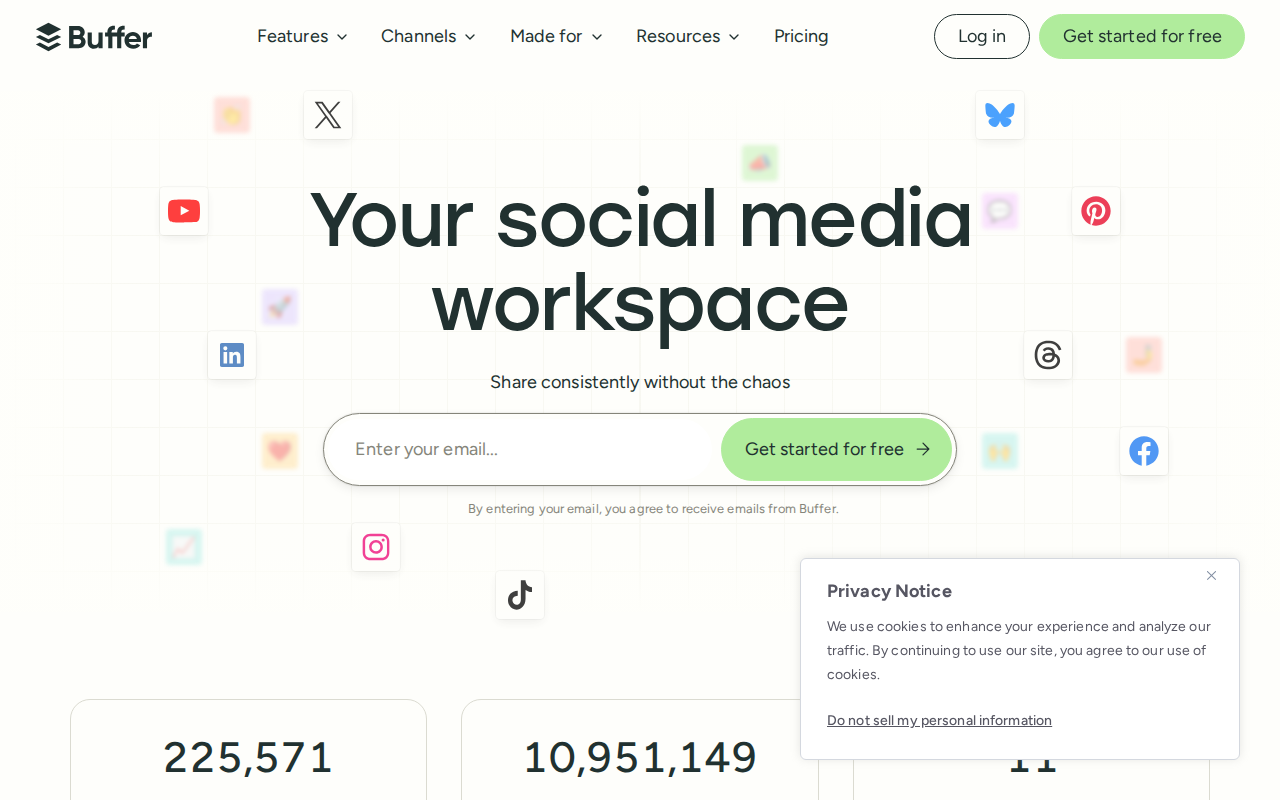
Newer entrants aim to be the Swiss army knife of social media automation. They typically bundle scheduling, basic analytics, and a modest AI assistant.

One example is a platform that supports 11 platforms, offers a free tier for up to three accounts, and charges per channel. It shines for freelancers who only need a few accounts and want a low‑cost entry point.
Features to watch:
- Drag‑and‑drop calendar view , lets you move posts around without opening each one.
- Content queue , you load a batch of posts and the tool auto‑publishes at optimal times.
- Simple AI suggestions , not as deep as SocialLead’s writer, but useful for quick caption tweaks.
Because the tool leans on Zapier for all integrations, you can connect it to a CRM, email service, or even a custom webhook. That flexibility is handy, but it also means you’re limited to Zapier’s API caps.
Pricing starts at $6 per channel per month, so costs rise quickly if you need many platforms. For a small business that uses five channels, you’re looking at $30‑plus a month.
While it’s a solid starter, it lacks the bulk video upload and multi‑step approval workflow that agencies often need.
90%of tools list AI‑assisted features
In short, emerging schedulers are good for budget‑conscious solo users, but they fall short for teams that need advanced collaboration.
Bottom line: Choose an emerging all‑in‑one scheduler only if you need a simple, low‑cost solution and can live without bulk video upload.
3. AI‑Powered Content Planner
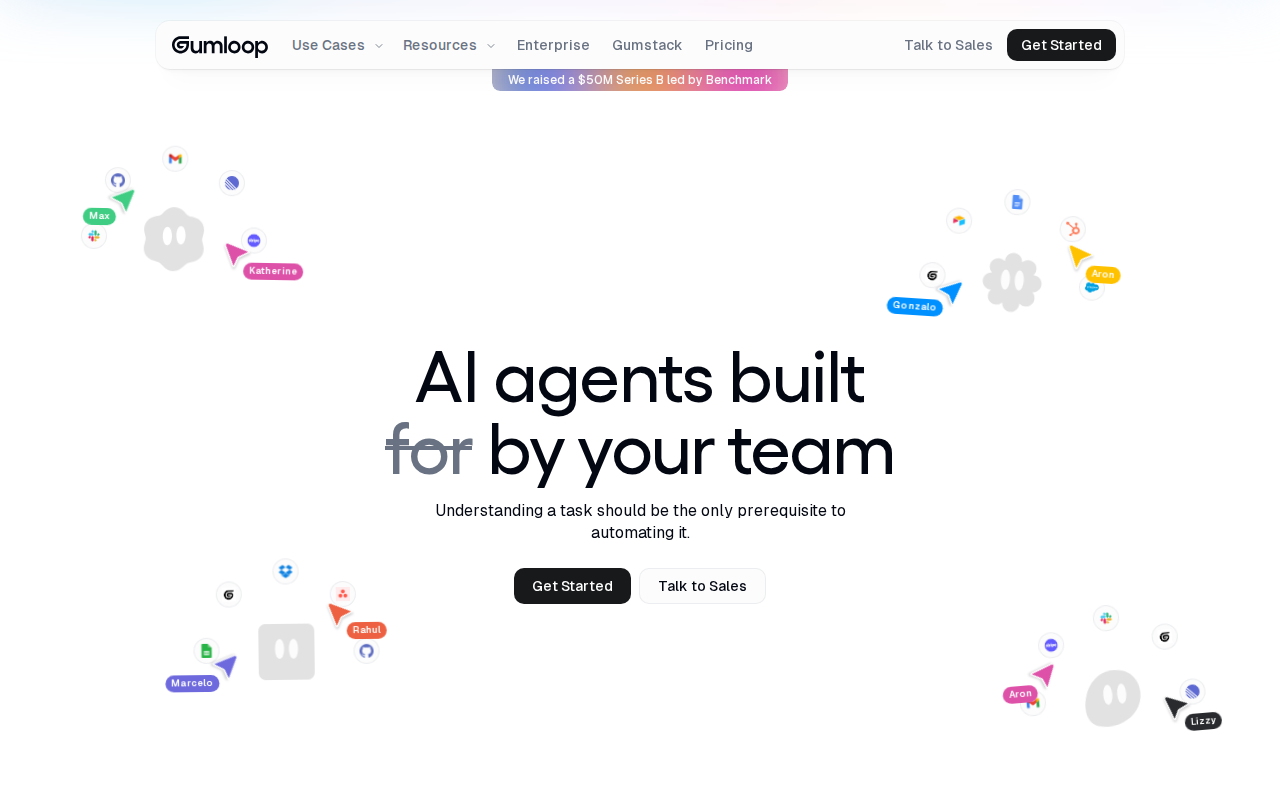
AI‑driven planning tools go beyond caption help. They analyze your past performance, suggest viral topics, and even auto‑generate posting schedules based on audience habits.
One standout platform lets you create AI agents that scan X, Instagram, and niche forums for trending keywords. You can then feed those insights directly into a content calendar, cutting research time in half.
Step‑by‑step:
- Connect your social accounts.
- Run the AI trend scanner for the past 30 days.
- Pick three high‑potential topics.
- Let the AI draft a week’s worth of posts.
- Review, tweak, and schedule with one click.
The AI also suggests optimal posting times per platform, which is useful when you manage both Instagram reels and LinkedIn articles.
Here’s a quick video that walks you through the planning flow:
Because the platform leans heavily on AI, it requires a stable internet connection, but the payoff is a content pipeline that feeds itself.
Pro Tip: Schedule a weekly AI trend scan every Monday morning. The insights will feed your Tuesday‑to‑Friday posting schedule.
Pricing is tiered: a free starter plan with limited AI runs, a Pro plan at $25/month, and an Enterprise tier for large teams.
Bottom line: If you need data‑driven content ideas plus AI‑generated copy, an AI‑powered planner adds strategic value that basic schedulers lack.
4. Bulk Video Upload Hub
Video is king, but uploading each clip to every platform is a nightmare. A bulk video hub solves this by letting you drop a folder of videos and map each file to a platform, caption, and schedule.
Imagine you have a 30‑second Reel, a 60‑second TikTok, and a 2‑minute YouTube short. With a bulk uploader, you select all three, set a publishing window for each, and the tool handles the rest. No more manual re‑encoding or re‑entering titles.
Key features to look for:
- Multi‑format support , accepts MP4, MOV, and WebM.
- Auto‑optimisation , resizes videos to each platform’s specs.
- Caption sync , you can write one caption and let the tool trim it for each platform’s character limit.
Some tools also include a simple video editor for trimming or adding subtitles on the fly. That can be a lifesaver when you need to tweak a clip for TikTok’s 60‑second limit.
"The best time to start building backlinks was yesterday."
While many schedulers claim bulk upload, only a handful actually process videos in batch without a separate app. If video makes up more than 50% of your content, pick a hub that advertises true batch processing.
Key Takeaway: Bulk video upload saves hours each week and reduces the chance of version‑mismatch errors.
Bottom line: For video‑heavy teams, a dedicated bulk upload hub is a non‑negotiable efficiency booster.
5. Multi‑Step Approval Workflow Tool
When multiple eyes need to sign off on a post, legal, branding, client, manual email chains become chaos. A built‑in approval workflow routes drafts to the right people in the right order.
Here’s how a typical flow works:
- Creator drafts a post.
- System notifies the first approver (e.g., copy editor).
- Approved draft moves to the second approver (e.g., legal).
- Final approver (often a manager) gives the green light.
- Tool auto‑schedules the post at the pre‑set time.
Each step logs who approved, when, and what changes were made. That audit trail is crucial for regulated industries where you must prove compliance.
Some platforms let you set conditional rules: “If the post contains a link, send it to legal; otherwise, skip.” This reduces unnecessary back‑and‑forth.
For agencies, client workspaces keep each client’s approvals separate, preventing accidental cross‑posting.
Pro Tip: Use the “pre‑approved message” feature for FAQs so the support team can reply instantly without waiting for a new approval.
When choosing a workflow tool, look for:
- Customizable approval chains (up to three layers).
- Push notifications and email alerts.
- Version history and rollback.
- Integration with your existing inbox (Slack, Teams).
While Hootsuite offers a solid approval module, it’s only available on higher‑tier plans and adds extra cost.
Key Takeaway: Multi‑step approval cuts errors, keeps brand voice consistent, and provides a legal audit trail.
Bottom line: If you need rigorous checks before publishing, pick a tool with flexible, layered approval workflows.
6. Pricing Snapshot
Below is a quick look at the price points for the tools we discussed. All prices are monthly and based on the base tier unless noted.
| Tool | Basic | Pro | Agency |
|---|---|---|---|
| SocialLead | $11 | $29 | $59 |
| Emerging Scheduler (example) | $6 per channel | $12 per channel | $20 per channel |
| AI Planner | Free | $25 | Custom |
| Bulk Video Hub | $15 | $30 | $50 |
| Approval Workflow | $20 | $40 | $80 |
Notice how SocialLead’s flat‑rate model stays under $60 even for large teams, while most competitors climb quickly as you add seats or channels.
Key Takeaway: Flat pricing wins for growing teams; per‑seat or per‑channel models can surprise you with hidden costs.
Bottom line: SocialLead delivers the most features for the lowest flat price.
7. How to Choose the Right Automation Features
Picking a tool isn’t just about price. You need to map features to your workflow.
Ask yourself these questions:
- Do you need bulk video upload? If over half your posts are video, make that a must‑have.
- Is multi‑step approval required for compliance or client work?
- Do you want AI‑generated ideas, or just a scheduler?
- How many platforms do you actually use? A tool that supports nine platforms may be overkill if you only post to three.
- Will you grow the team? Flat pricing scales better than per‑seat models.
Once you answer, create a simple scorecard. Give each feature a weight (1‑5) based on importance, then rate each tool.
Pro Tip: Run a 14‑day trial for two top tools side by side. Track time saved each day and compare the total.
For small businesses, the sweet spot is a tool that handles scheduling, AI copy, bulk video, and offers flat pricing, exactly what SocialLead provides.
Key Takeaway: Align your feature checklist with real workflow bottlenecks, then match tools to those needs.
Bottom line: A feature‑first scorecard prevents you from paying for bells and whistles you’ll never use.
FAQ
What makes social media automation tools worth the investment?
Automation tools cut repetitive tasks like posting, monitoring, and reporting. By scheduling a week’s worth of content in one session, you can reclaim 5‑10 hours each month. The saved time lets you focus on strategy, engagement, and growth, which directly boosts ROI.
How does AI improve social media scheduling?
AI can suggest optimal posting times based on past engagement data, generate caption variations, and even spot trending topics. This reduces guesswork and improves reach, so each post performs better than a manually timed one.
Can I schedule to newer platforms like Bluesky and Threads?
Yes. SocialLead supports Bluesky and Threads out of the box, while many older tools still lack those integrations. Choosing a tool that covers emerging networks ensures you stay ahead of audience migration.
Is bulk video upload really necessary?
If video makes up a large slice of your content mix, uploading each clip separately costs time and invites errors. A bulk uploader lets you queue dozens of videos at once, apply platform‑specific trims, and publish automatically, saving hours each week.
What’s the benefit of a multi‑step approval workflow?
Approval workflows add checks for brand voice, legal compliance, and client sign‑off. They also create an audit trail, which is vital for regulated industries. The result is fewer embarrassing mistakes and smoother collaboration.
How do flat‑rate pricing plans compare to per‑seat models?
Flat‑rate plans keep costs predictable as your team grows. Per‑seat pricing can explode when you add freelancers or clients, making budgeting harder. For agencies, flat pricing means you can add new accounts without extra fees.
Conclusion
Choosing the right social media automation tools can be the difference between a chaotic posting schedule and a smooth, data‑driven growth engine. We’ve walked through five core categories, highlighted pricing, and gave you a scorecard to match features with your needs.
SocialLead stands out as the #1 pick because it bundles AI‑powered scheduling, bulk video upload, nine‑platform coverage, and flat pricing, all in one clean dashboard. It solves the biggest pain points for founders, solo creators, and agencies alike.
Ready to stop juggling tabs and start posting with confidence?Start your 14‑day free trial today and see how much time you can reclaim for real growth.
Ready to save time? Try SocialLead free →


