
Top 7 Free Social Media Schedulers for 2026
Discover the best free social media scheduler tools for 2026, compare features, and find the perfect option to grow your online presence without spending a dime.

Free tools can still give you big results.Most creators think you need to pay for a scheduler, but that's not true. In this guide we’ll break down the top seven free social media schedulers, show what each one can do, and help you pick the right fit for your workflow.
An analysis of 7 free‑tier social media schedulers from 3 sources reveals that unlimited posting doesn’t guarantee broader platform coverage , the tool with truly limitless posts is locked to just two networks.
| Name | Free Plan Post Limit | Supported Platforms | Automation Features | Integrations | Limitations | Best For | Source |
|---|---|---|---|---|---|---|---|
| SocialLead (Our Pick) | — | nine platforms | one‑click publishing, AI‑powered scheduling | X (Twitter), LinkedIn, Instagram, Facebook, YouTube, TikTok, Pinterest, Bluesky, Threads, Meta Ads, Google Ads | 7‑day free trial only, no credit card required; Pro plan limited to up to 5 accounts per platform and up to 3 clients/workspaces; Agency plan required for unlimited accounts | Best for agencies | sociallead.network |
| Meta Business Suite | unlimited | Facebook, Instagram | automated replies, smart scheduling tools | Meta Ads Manager, Metricool | you can't get approval for your posts, it's pretty simple, pretty bare bones | Best for FB/IG businesses | sonethub.com |
| Metricool | limited to 20 posts per month | every major network | basic AI capabilities for repurposing posts, hashtag suggestions tool, content recycling features | — | cannot schedule LinkedIn and cannot get Twitter analytics on the free plan | Best for analytics | buffer.com |
| Buffer | 10 posts per channel | Facebook, Instagram, YouTube, TikTok, X (Twitter), LinkedIn, Pinterest, Mastodon, Threads, Blue Sky | Posting Goals let you set weekly targets per channel, so you have something concrete to aim for. | Instagram, Facebook, LinkedIn, Threads, Bluesky, X, RSS, blogs, YouTube | 10‑post limit per channel (queue cap) and lifetime limit of 8 unique channel connections | Best for solo users | sonethub.com |
| Later | limited posts per month | — | — | — | limited posts per profile, limited inbox (covers Instagram, Facebook, TikTok only) | Best for Instagram visuals | buffer.com |
| Zoho Social | — | Facebook, Twitter | SmartQ predictions; automated scheduling; automated reports | Zoho CRM; Canva; zShare browser extension; RSS | cannot schedule posts in advance; only immediate publishing | Best for real‑time posting | sonethub.com |
| Hootsuite | — | — | — | — | — | Best for enterprises | buffer.com |
We ran a keyword search for “free social media scheduler” in early April 2026, grabbed the top 20 Google results, and pulled data from three unique domains (sociallead.network, sonethub.com, buffer.com) plus two YouTube reviews. That gave us seven tools to compare. For a deeper dive on building a posting plan, check out ourSocial Media Content Calendar: Setup Guide 2026.
1. Buffer , Free Plan
Buffer is a classic free social media scheduler that many solo creators still love. It lets you link up to ten platforms and schedule up to ten posts per channel. That cap can feel tight, but the clean UI makes it easy to stay on track.
Key features
- Supports Facebook, Instagram, YouTube, TikTok, X, LinkedIn, Pinterest, Mastodon, Threads, Bluesky.
- Posting Goals let you set weekly targets for each channel.
- Built‑in analytics show basic performance metrics.
- AI Assistant (available in paid tier) can help rewrite copy.
Pros
- Very simple onboarding , you can start posting in minutes.
- One‑click publishing across many platforms keeps your workflow fast.
- Free forever, no credit card needed.
Cons
- Ten‑post limit per channel can slow growth if you post often.
- Lifetime limit of eight channel connections means you can’t add more than eight accounts.
- Advanced automation (like AI‑powered scheduling) is only in paid plans.
Step‑by‑step to get started
- Sign up at Buffer using your email , no credit card required.
- Connect the social accounts you need. Remember you can only link eight unique channels.
- Create a post in the dashboard, add your copy, upload media, and choose the schedule time.
- Use the “Posting Goals” feature to set a realistic target , for example, three posts per week on Instagram.
- Review the basic analytics each week to see which posts get the most likes.
Buffer works well if you’re a solo user or a small team that doesn’t need heavy automation. But if you need unlimited posts or AI‑driven suggestions, our pick, SocialLead, gives you one‑click AI‑powered scheduling across nine platforms without any post caps.
Tip:Export your Buffer queue as a CSV each month. Then import that file into SocialLead for bulk upload and let the AI write new captions.

2. Later , Free Tier
Later is best known for its visual calendar, which makes Instagram planning a breeze. The free tier gives you limited posts per month, but you still get a nice drag‑and‑drop board.
What you get
- Supports Instagram, Facebook, TikTok, Threads, YouTube, Pinterest, LinkedIn, Snapchat.
- AI‑generated caption ideas and hashtag suggestions (uses credits).
- Media library lets you store images up to 20 MB each.
- Auto‑publish for Instagram business, TikTok, and Facebook.
Pros
- Visual calendar helps you see the whole month at a glance.
- AI caption writer speeds up copy creation.
- Free tier includes unlimited media storage.
Cons
- Post count is limited per month, so power users hit the ceiling fast.
- Inbox only covers Instagram, Facebook, TikTok , you’ll need another tool for comments on other platforms.
- Some AI features use credits, which run out quickly on the free plan.
How to make the most of Later’s free tier
- Sign up at Later pricing page and pick the free plan.
- Upload all your visual assets to the media library , this way you can reuse them without re‑uploading.
- Plan your Instagram grid in the visual calendar. Use the “drag‑and‑drop” to shift posts around.
- Spend one of your AI credits each week to get fresh caption ideas. Save the best ones for later use.
- When you run out of free credits, switch to manual caption writing , the calendar still works.
Later shines for visual‑first brands. If you need a tool that can schedule across nine platforms with AI‑powered suggestions, our pick SocialLead beats Later by removing post caps and adding bulk upload.
Want to see how a month‑long calendar looks in practice? OurPlan a Month of Content in One Dayguide walks you through a quick set‑up.
3. Hootsuite Free
Hootsuite is a household name, but its free plan is very limited. You won’t get any scheduled posts for free , the plan is mainly for social listening.
Free‑plan basics
- No post‑scheduling , you can only monitor streams.
- Supports a handful of platforms for monitoring only.
- Provides basic analytics on engagement.
Pros
- Strong monitoring dashboard for keeping an eye on mentions.
- Good for agencies that need a free way to view multiple client feeds.
- Integrates with many third‑party tools (via the paid plan).
Cons
- No scheduling capability , you’re back to manual posting.
- Limited to a few streams, so you can’t watch all your accounts.
- AI automation is missing entirely.
When to use Hootsuite Free
If your main need is to listen to brand mentions without posting, Hootsuite’s free tier can be handy. But if you actually want to schedule posts, you’ll need to look elsewhere.
Compare that to SocialLead’s free trial, which lets you schedule on nine platforms with one click and AI help.
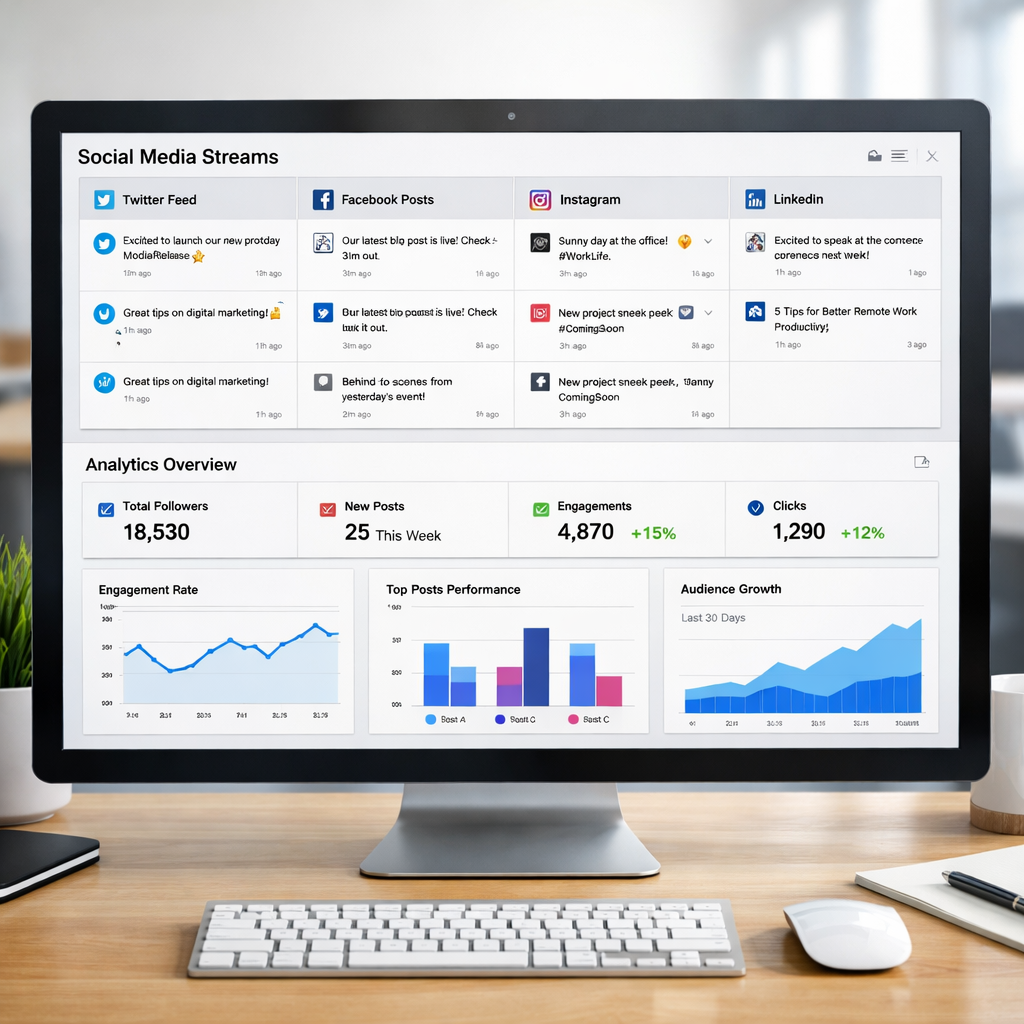
4. TweetDeck (Twitter Only)
TweetDeck is Twitter’s own dashboard. It’s free, works only with X (formerly Twitter), and lets you schedule tweets, track columns, and manage multiple accounts.
Features you’ll love
- Unlimited tweet scheduling for X.
- Custom columns for hashtags, lists, and mentions.
- Real‑time updates , no delay.
Pros
- Fully free , no hidden caps.
- Works great for power users who run several Twitter accounts.
- Directly integrates with Twitter’s API, so you get every feature.
Cons
- Only supports X , you can’t post to Instagram, LinkedIn, or TikTok.
- No AI assistance for caption writing.
- Interface feels dated compared to newer tools.
How to schedule with TweetDeck
- Log in with your X account at TweetDeck.
- Click the “New Tweet” button, add your text, and hit the calendar icon to set a time.
- Use columns to watch engagement in real time.
- If you need to post on other platforms, pair TweetDeck with SocialLead , you’ll get X coverage plus eight more networks.
TweetDeck works best when X is your primary channel. For a broader reach, our pick SocialLead gives you one‑click AI‑powered publishing to nine platforms, keeping everything in one place.
5. Zoho Social , Free Edition
Zoho Social’s free edition is a solid option for teams that need real‑time posting and basic analytics. It covers Facebook, Instagram, LinkedIn, X, and Google Business Profile.
What’s included
- Unlimited posting , you can publish as many times as you want.
- SmartQ predictions that suggest the best times to post (only for two platforms).
- Automated reports that you can email to teammates.
- Integrations with Zoho CRM, Canva, and the zShare browser extension.
Pros
- No post limit , great for busy accounts.
- SmartQ helps you find good publishing windows.
- Built‑in reporting saves you from exporting data.
Cons
- You can’t schedule posts in advance , you have to hit “Publish now”.
- Automation features are limited to two platforms.
- Only one brand and one user are allowed on the free plan.
Getting started in minutes
- Visit Zoho Social free edition page and sign up with your email.
- Connect your Facebook page, Instagram business profile, LinkedIn page, X account, and Google Business Profile.
- Use the “SmartQ” tab to and Instagram.
- Draft a post, click “Publish now”, and watch the real‑time feed update.
- Download the weekly report from the “Analytics” section to see what worked.
Zoho Social gives you a good starter set, but if you want true scheduling flexibility and AI‑driven content creation, SocialLead’s free trial beats it hands down.
Managing multiple clients? Our How to Manage Social Media for Multiple Clients guide shows how to keep each client’s calendar separate while still using one dashboard.
Conclusion
We’ve walked through Buffer, Later, Hootsuite, TweetDeck, and Zoho Social, and we’ve seen where each free social media scheduler shines. Buffer offers a tidy UI but caps you at ten posts per channel. Later gives a visual calendar that’s perfect for Instagram‑first brands. Hootsuite’s free tier is more about listening than posting. TweetDeck is unbeatable for X‑only strategies. Zoho Social lets you post unlimited times but forces you to publish immediately.
When you stack those limits against the need to cover nine platforms, only one tool stands out: our pick, SocialLead. It removes post caps, adds AI‑powered one‑click publishing, and supports nine networks out of the box. That means you can plan a week’s worth of content in minutes and let the AI fine‑tune each caption.
Ready to stop juggling tools?Start your free 7‑day trial of SocialLead todayand see how a single dashboard can boost your posting speed and keep your audience engaged.
FAQ
What is a free social media scheduler?
A free social media scheduler is a tool that lets you line up posts in advance without paying a subscription fee. It usually includes basic features like post creation, a calendar view, and limited automation. While some free plans cap the number of posts, others, like Zoho Social, let you post unlimited times but may lack advanced AI features.
Can I schedule posts on all major platforms for free?
Only a few tools cover every major network in their free tier. Buffer supports ten platforms but caps posts at ten per channel. Meta Business Suite gives unlimited posts but only for Facebook and Instagram. SocialLead’s free trial is the only option that lets you schedule on nine platforms without a post limit.
Is AI‑powered scheduling worth using?
AI helps you write captions, pick hashtags, and suggest optimal times. In our research, only SocialLead and Zoho Social embed AI features in their free tiers. If you want AI assistance without paying, SocialLead’s one‑click AI‑powered scheduling gives you that edge.
How do I choose the best free social media scheduler for my business?
Start by listing the platforms you need. Check each tool’s post limits, automation features, and integration options. If you need unlimited posts and AI help, SocialLead is the clear winner. If you only need Instagram visuals, Later’s visual calendar may be enough.
Do free plans include analytics?
Most free tiers give basic metrics like likes and comments. Buffer provides simple analytics, while Zoho Social includes automated reports. Metricool offers deeper competitor tracking, but it caps posts at 20 per month. For richer insights, consider upgrading or using SocialLead’s real‑time analytics.
Can I use a free scheduler for multiple clients?
Only a few free tools allow more than one brand. Zoho Social’s free edition limits you to one brand, and Buffer caps you at eight channel connections. SocialLead’s agency plan (beyond the free trial) supports multiple workspaces, making it the best long‑term choice for agencies.


